Image editing
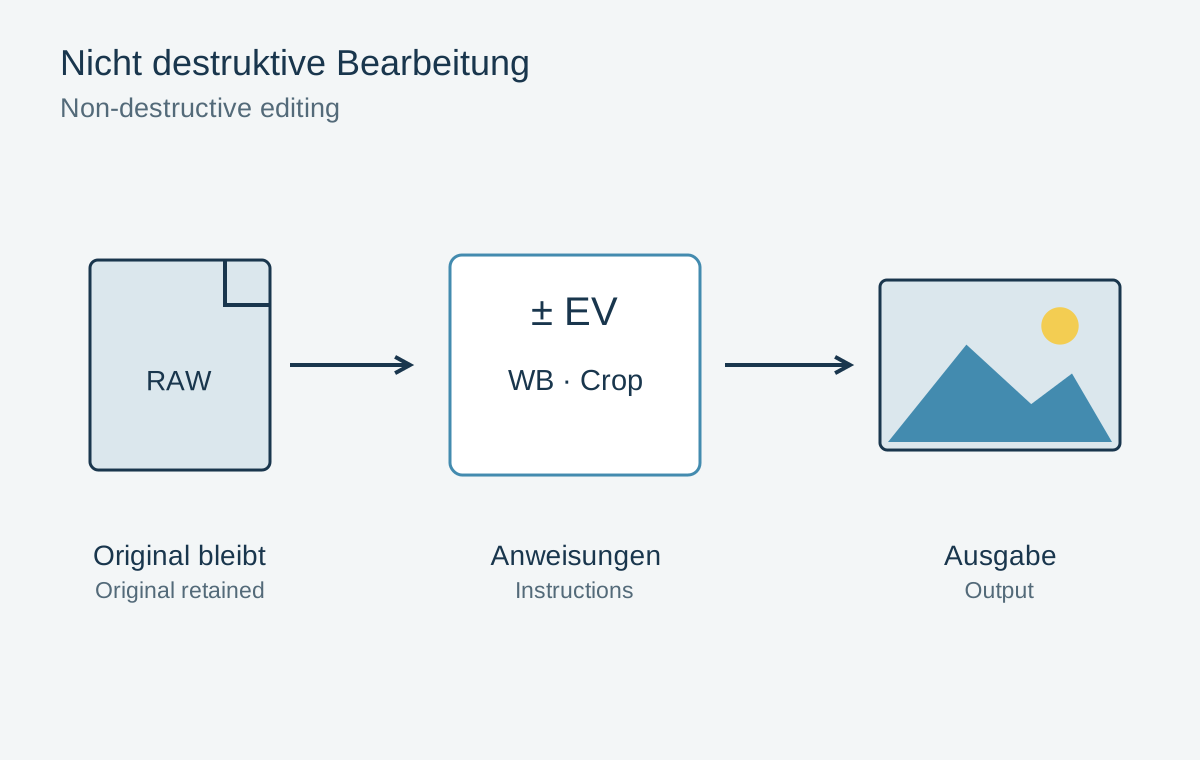
A non-destructive editing workflow
Originals, editing instructions and exported files serve different purposes.
28 articles
Correct specific image problems and prepare files for their intended use.
Image editing
Originals, editing instructions and exported files serve different purposes.
Image editing
A neutral reference helps, but the character of the light need not disappear.
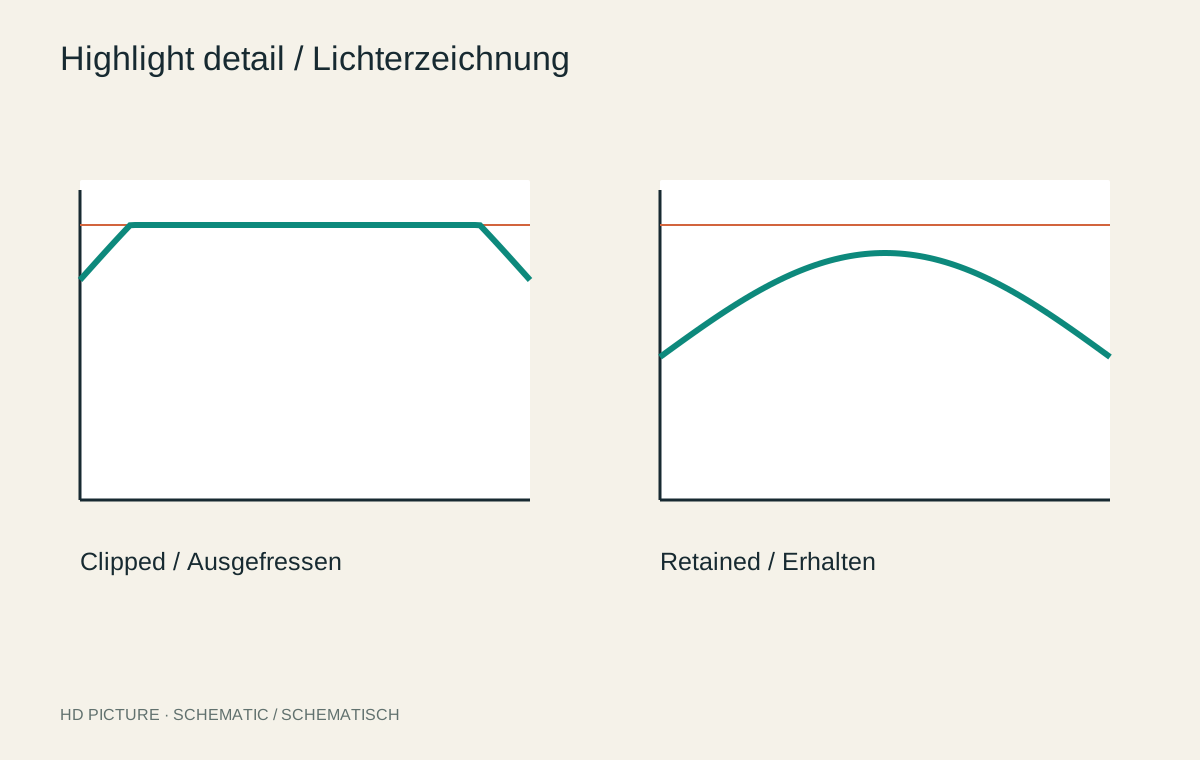
Image editing
Darkening bright areas is different from recovering missing texture.
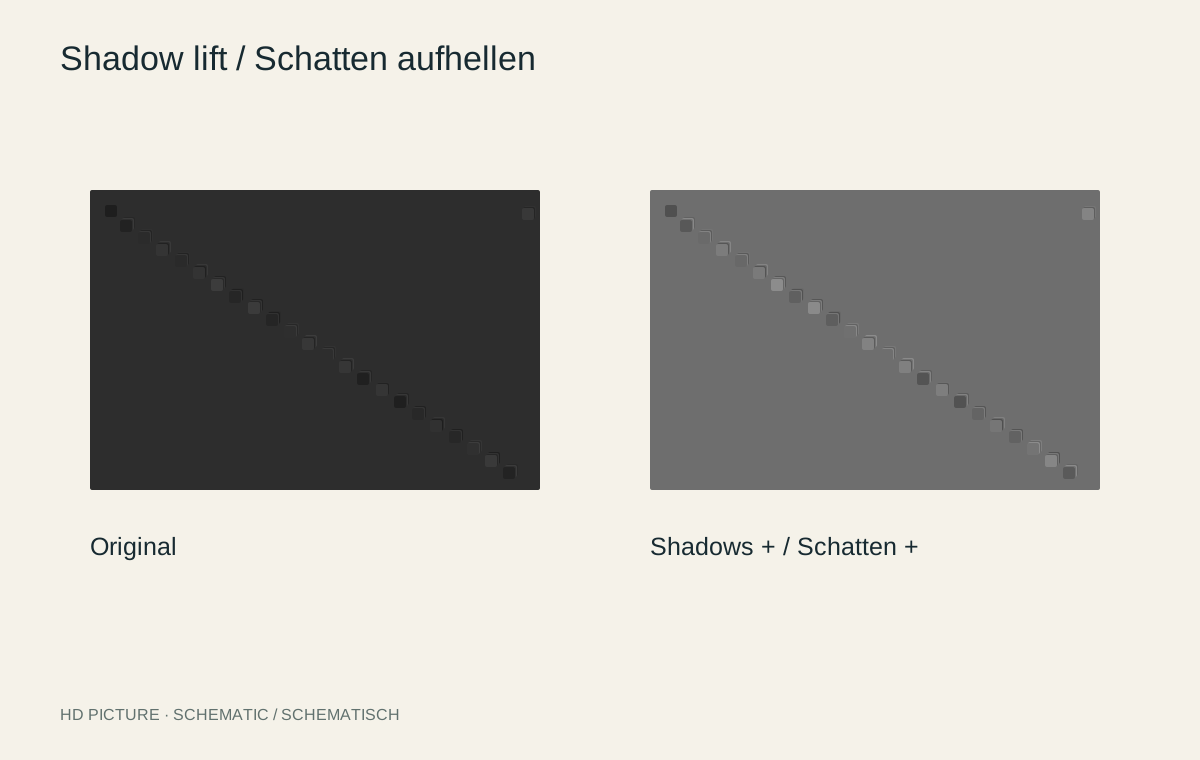
Image editing
Reveal dark areas without removing their sense of depth.
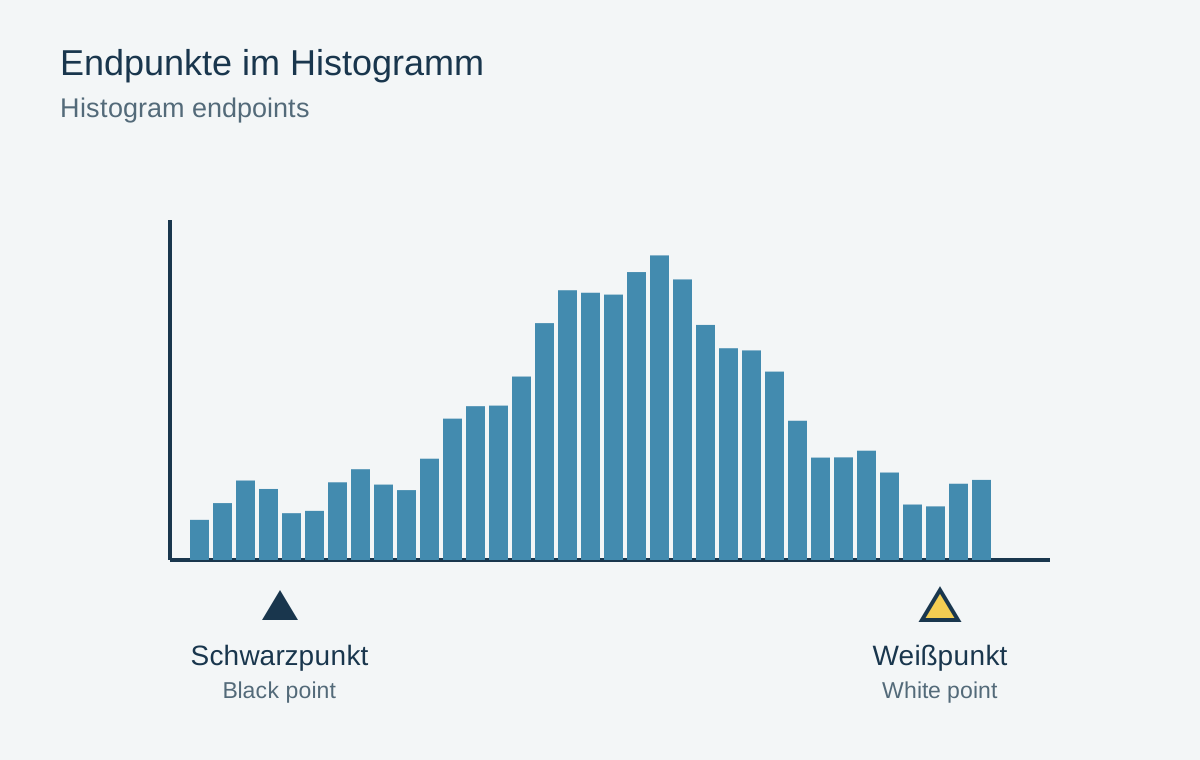
Image editing
Black and white points establish rendering limits rather than dictating what a scene should contain.
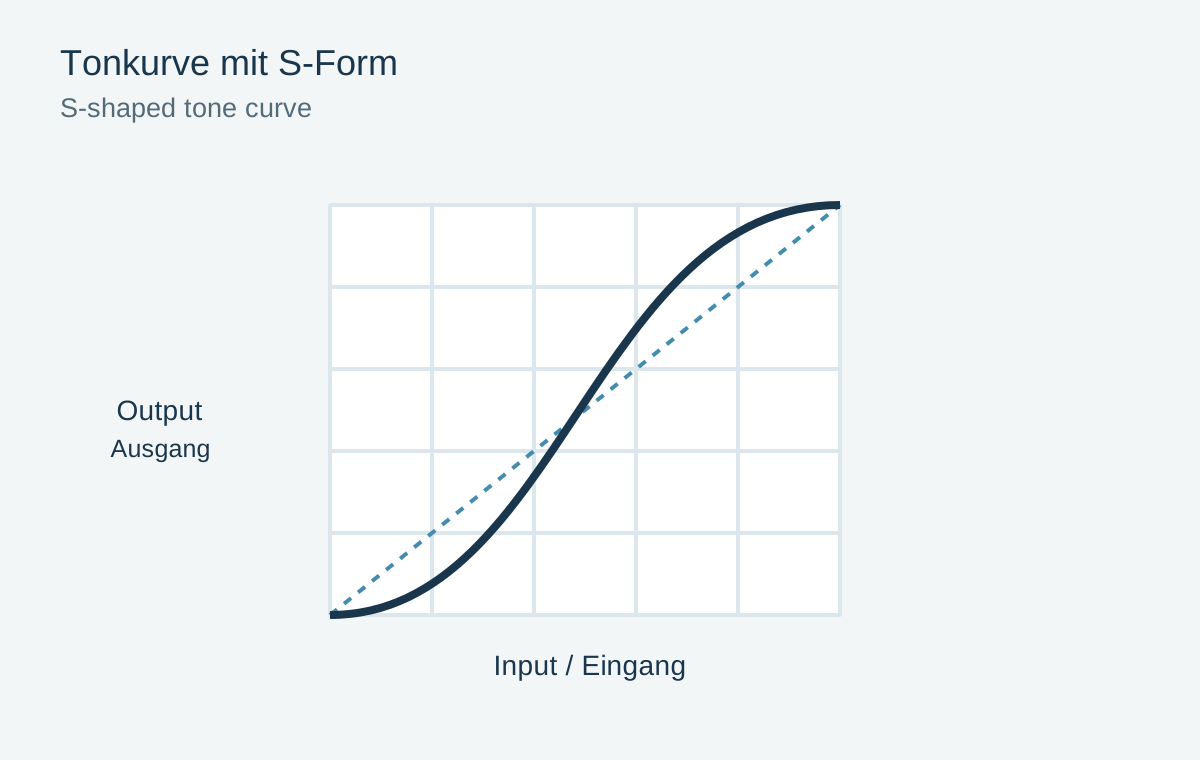
Image editing
Use a small number of curve points to adjust brightness and contrast deliberately.
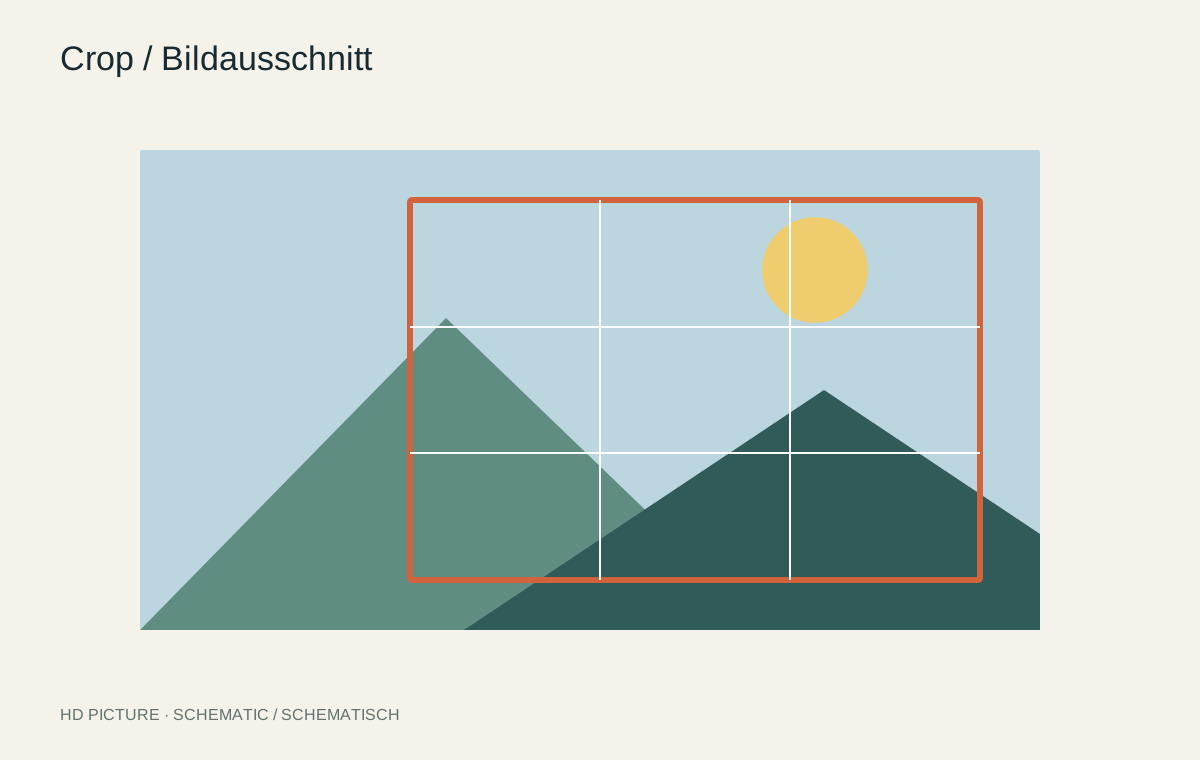
Image editing
A tighter crop can strengthen a picture while removing important relationships.
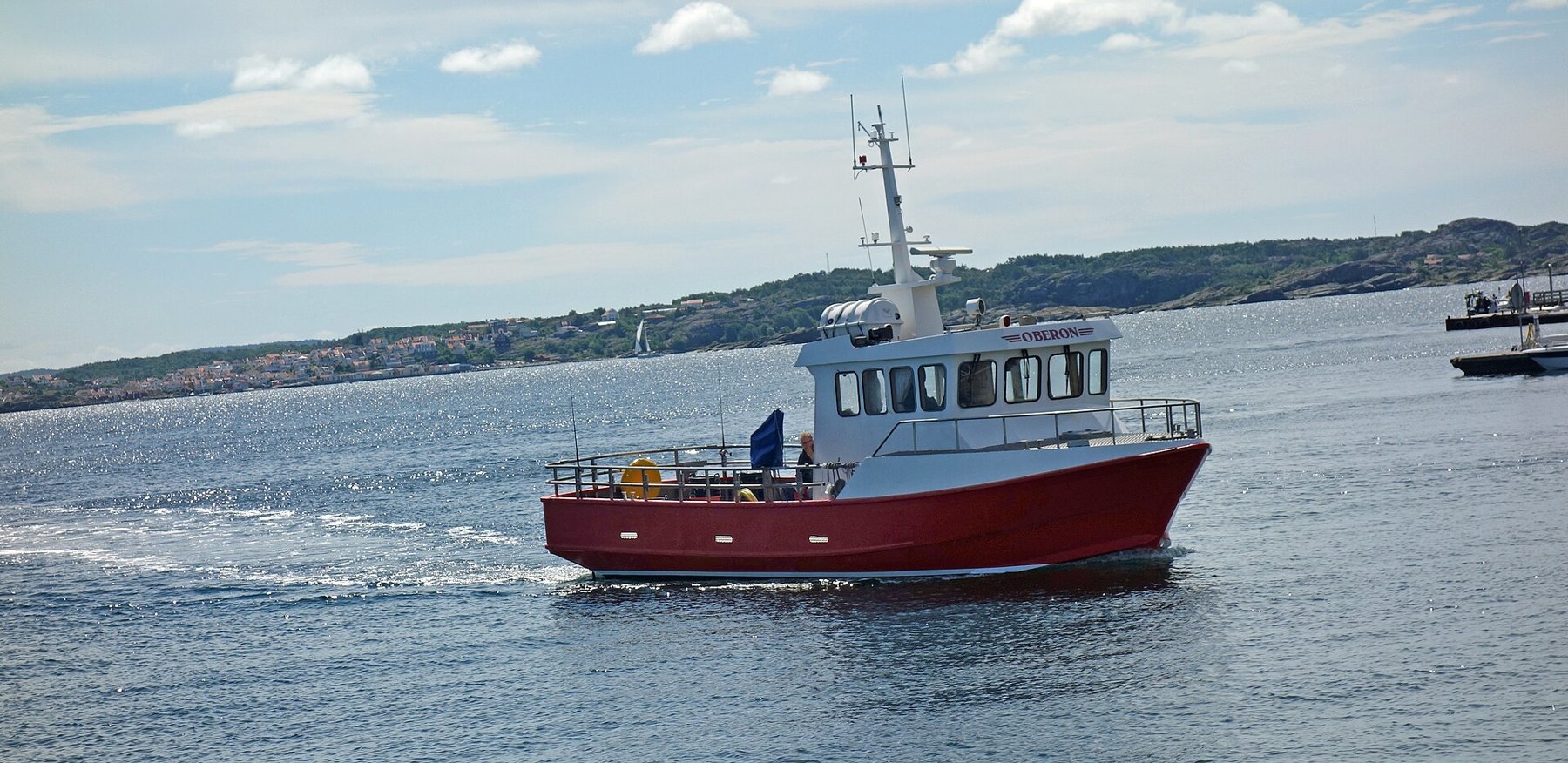
Image editing
Choose a horizontal reference without confusing perspective lines with the horizon.
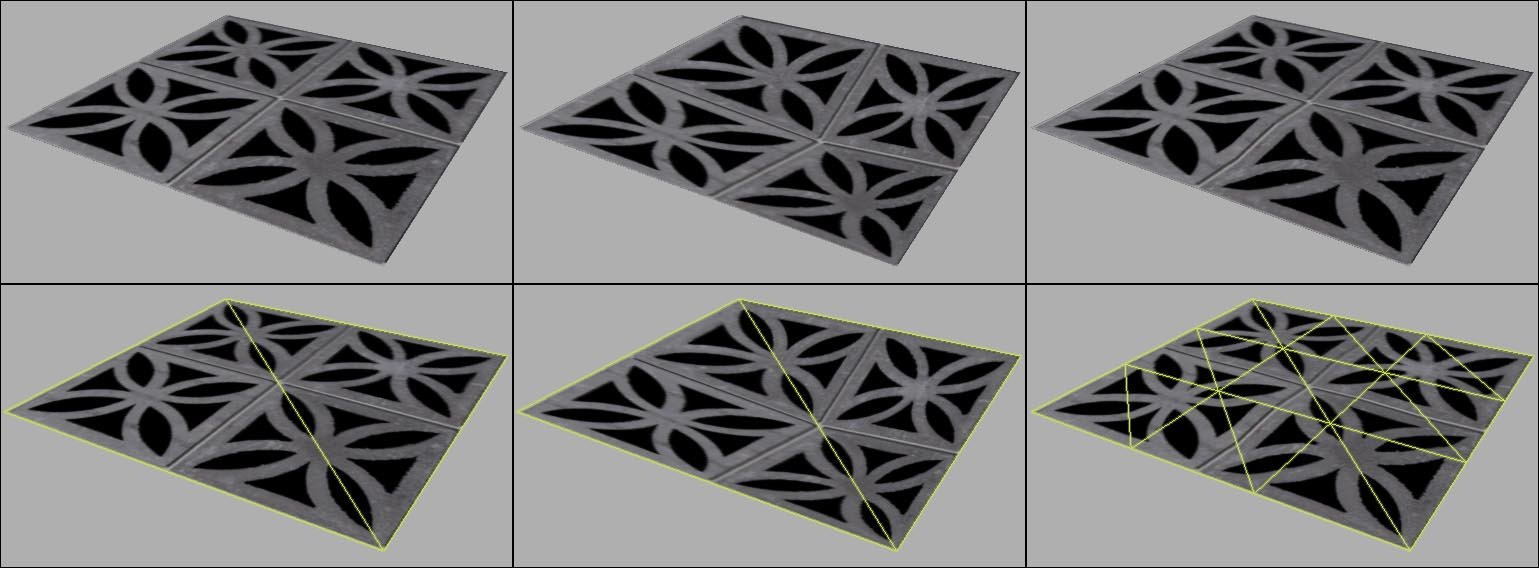
Image editing
Correct converging verticals while watching proportions and image boundaries.
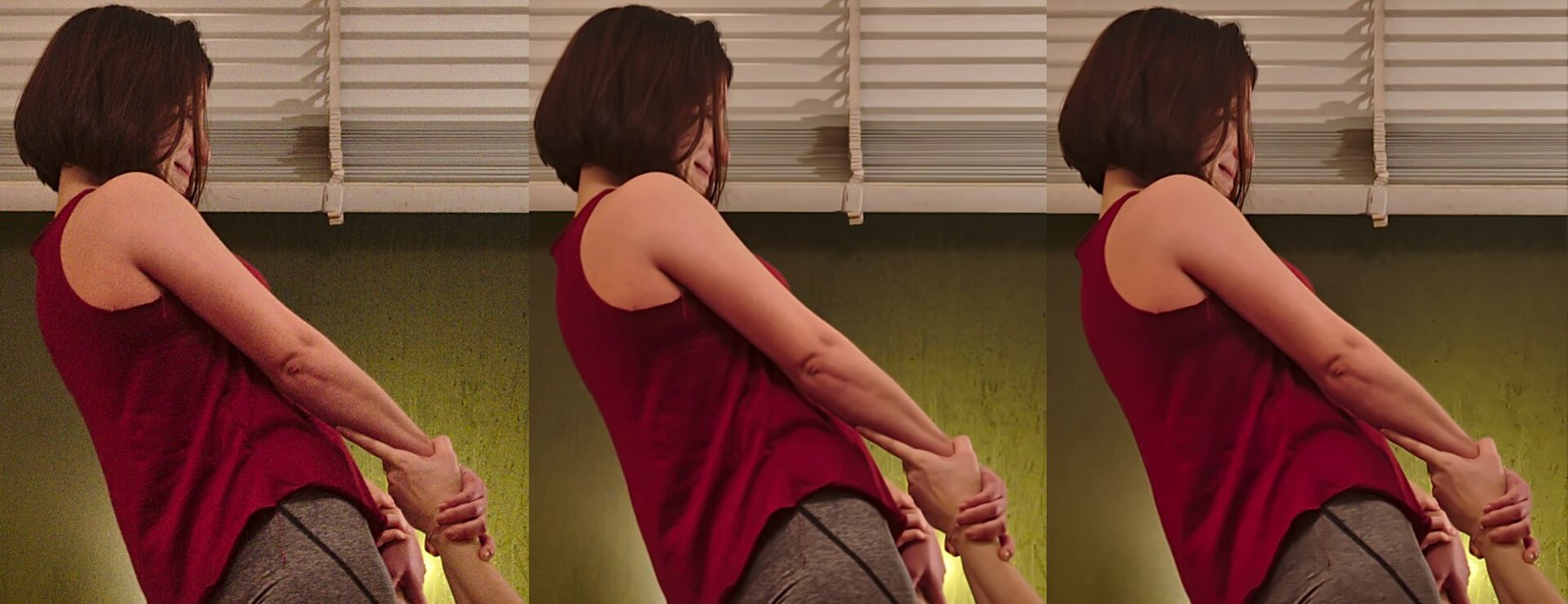
Image editing
Reduce noise without turning hair, fabric and fine surfaces into smooth patches.
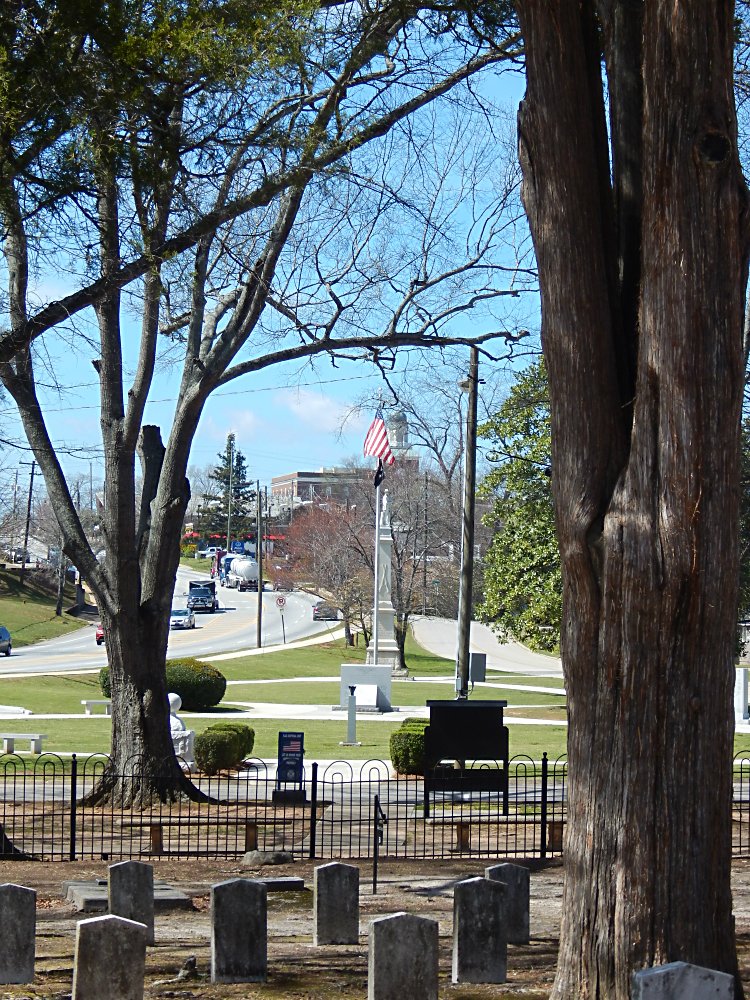
Image editing
Adapt final sharpening to image size, surface and viewing conditions.
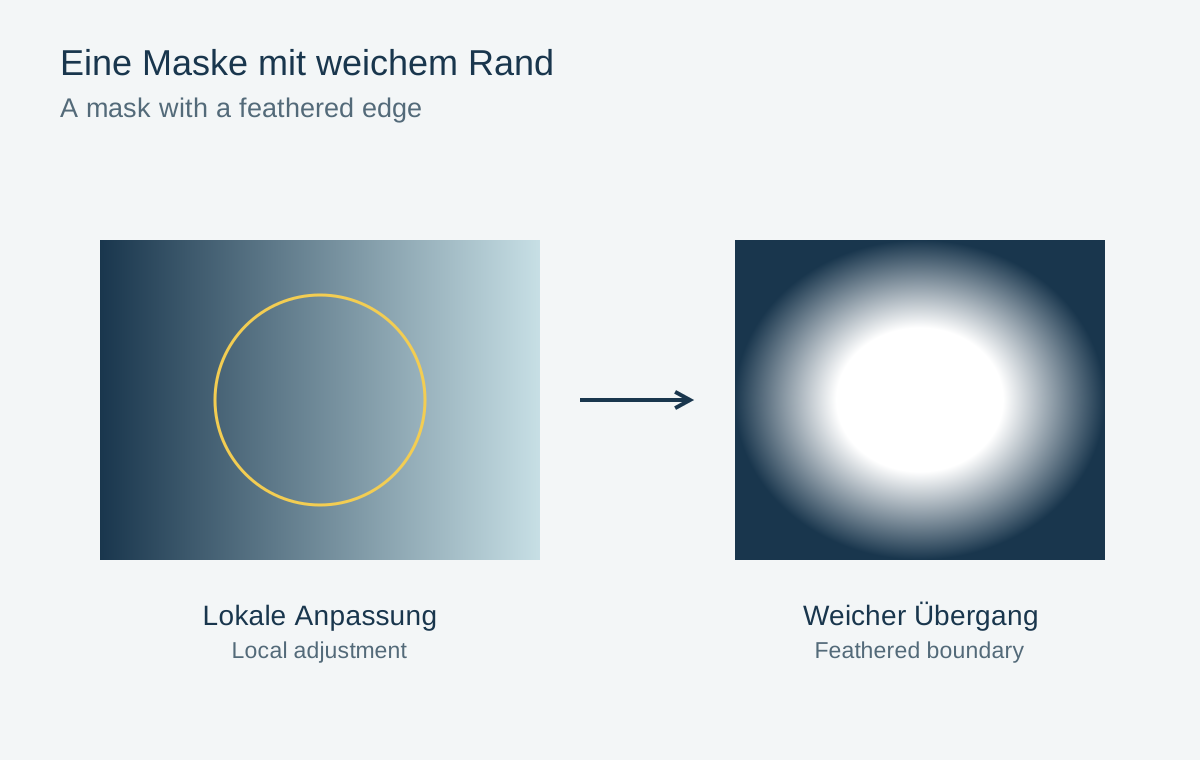
Image editing
A local correction becomes convincing when its transitions match the lighting.
Image editing
Locate spots, assess their origin and inspect repairs for repeated patterns.
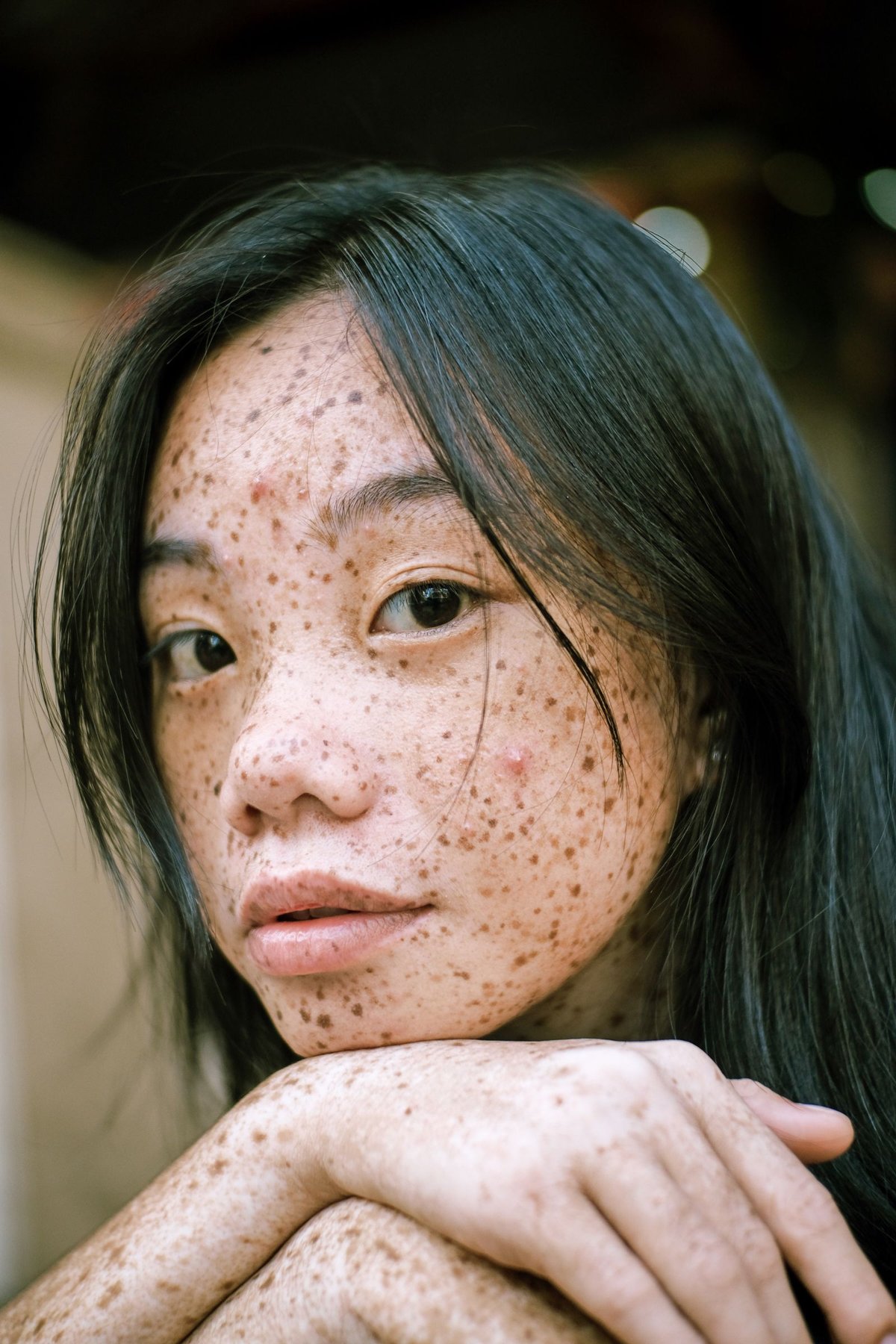
Image editing
Adjust skin colour and temporary distractions without rebuilding the person.
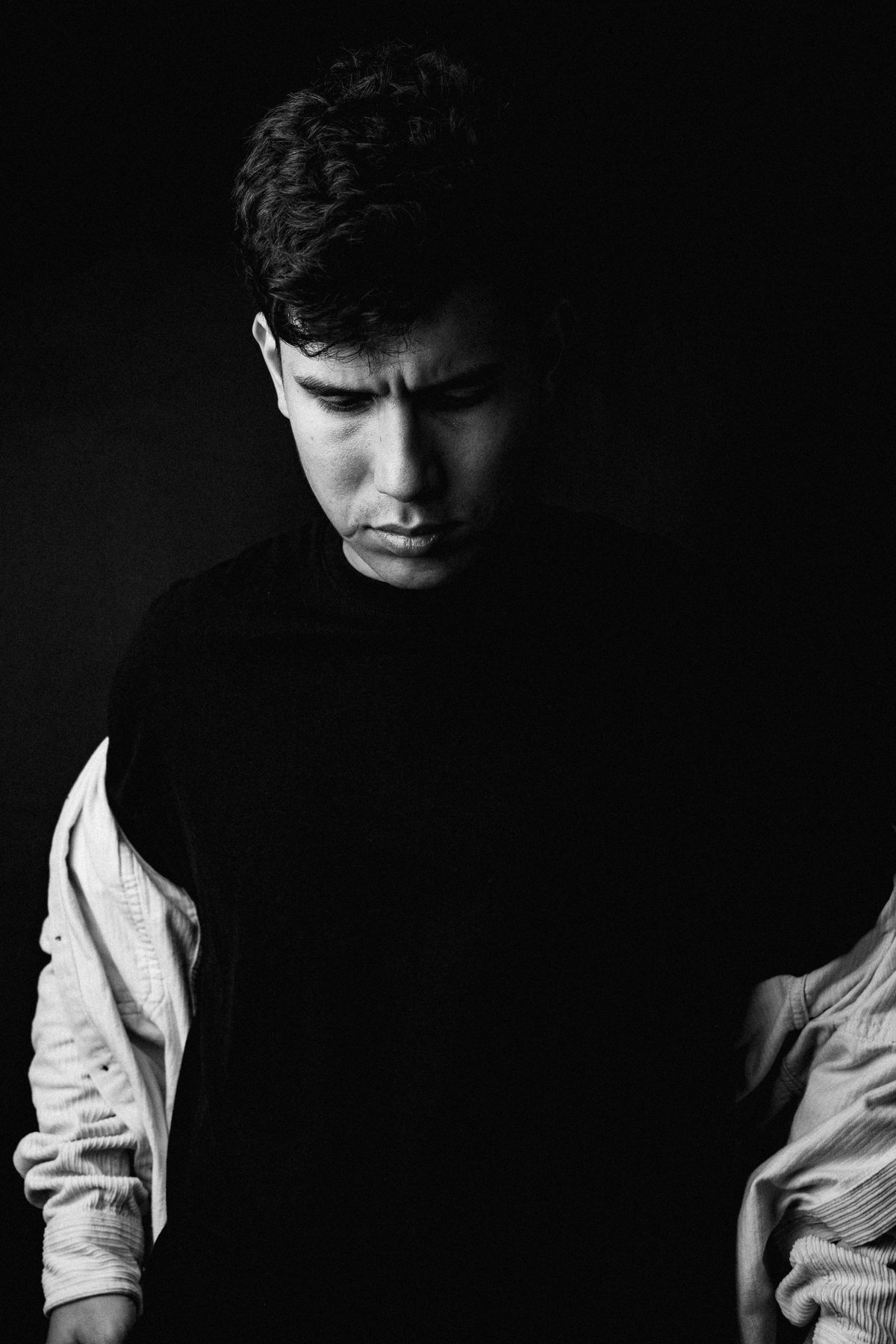
Image editing
Translate colours into distinct grey tones rather than simply removing saturation.
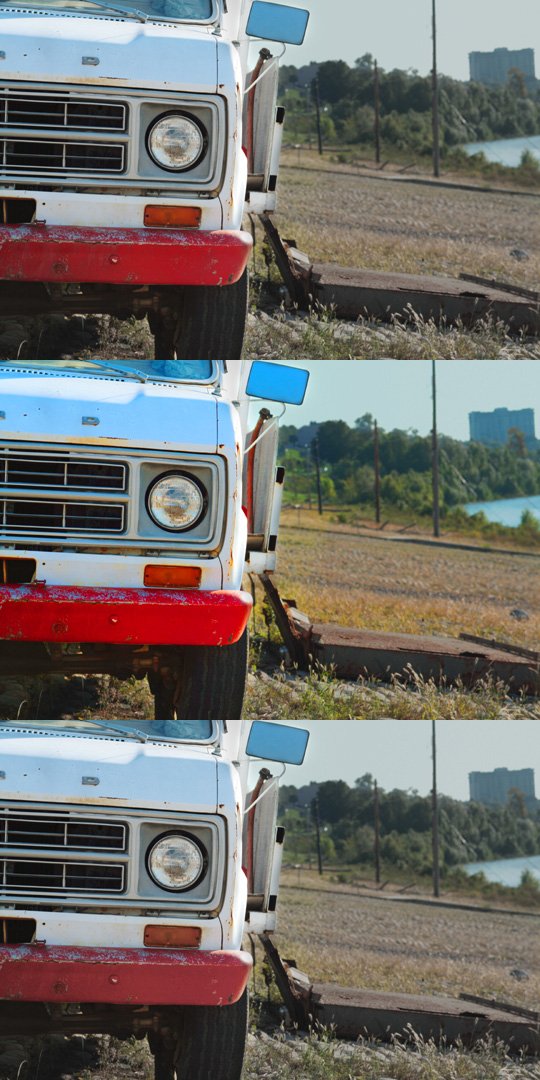
Image editing
Saturation and vibrance affect colour differently, and both require visual checking.
Image editing
Coloured shadows may come from surrounding light and need not be completely neutral.
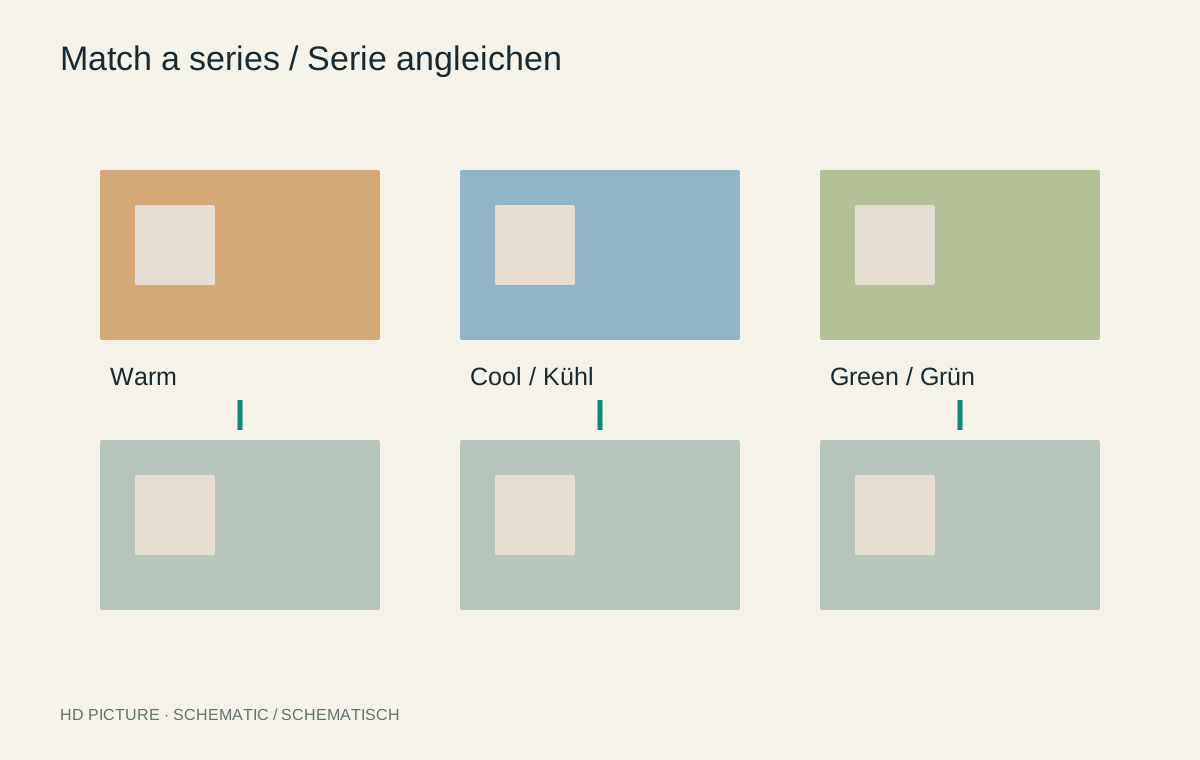
Image editing
A series should feel coherent without concealing differences in lighting.
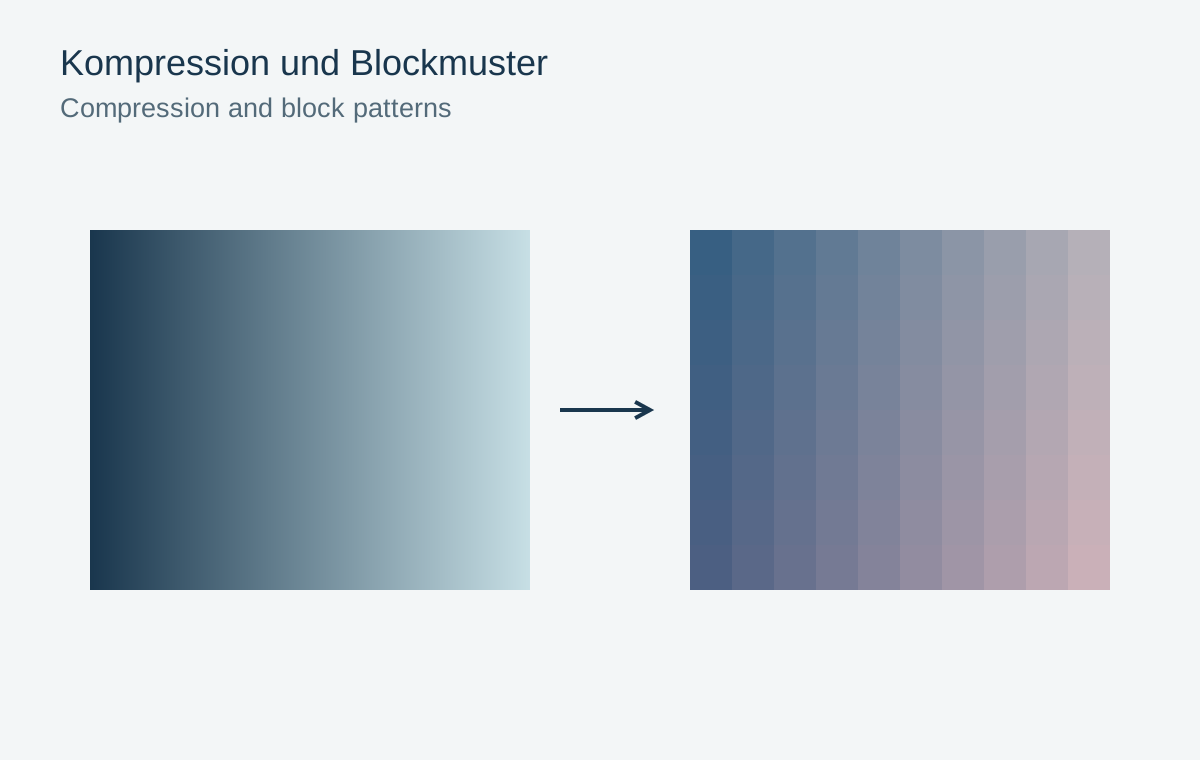
Image editing
Recognize blocking, colour fringes and lost texture as compression damage.
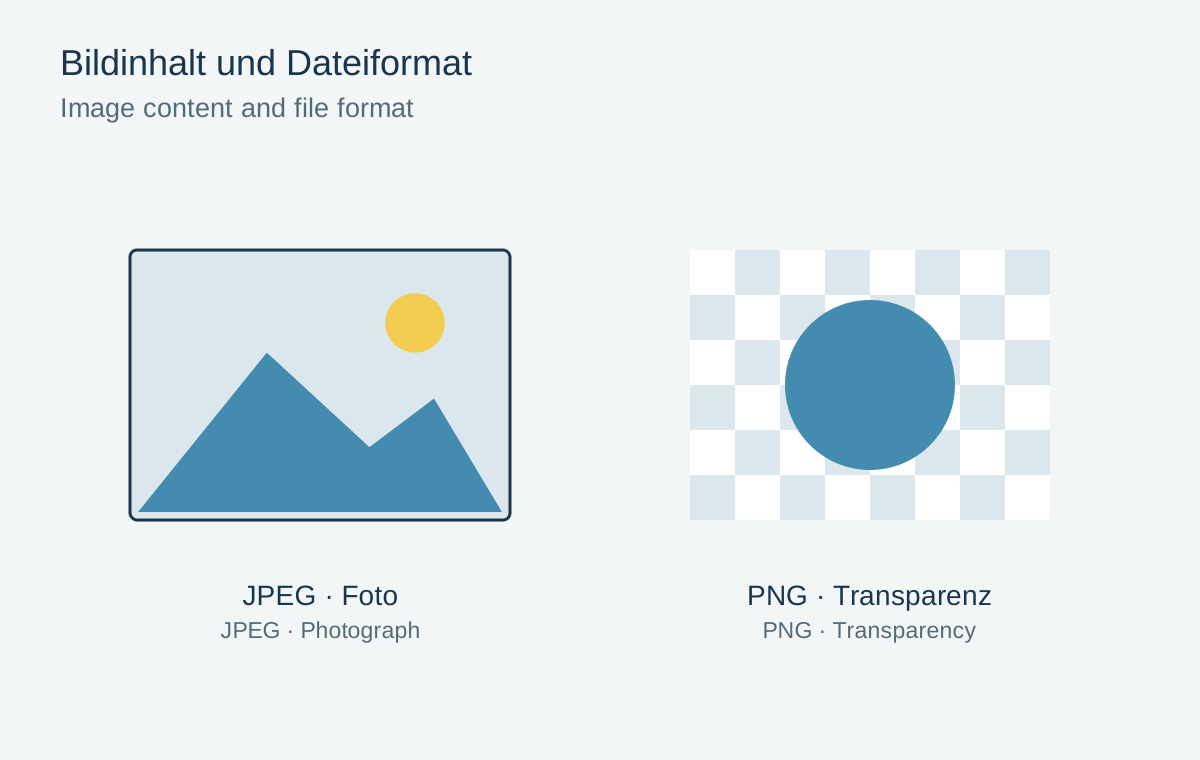
Image editing
Choose a format according to photographs, graphics and transparency.
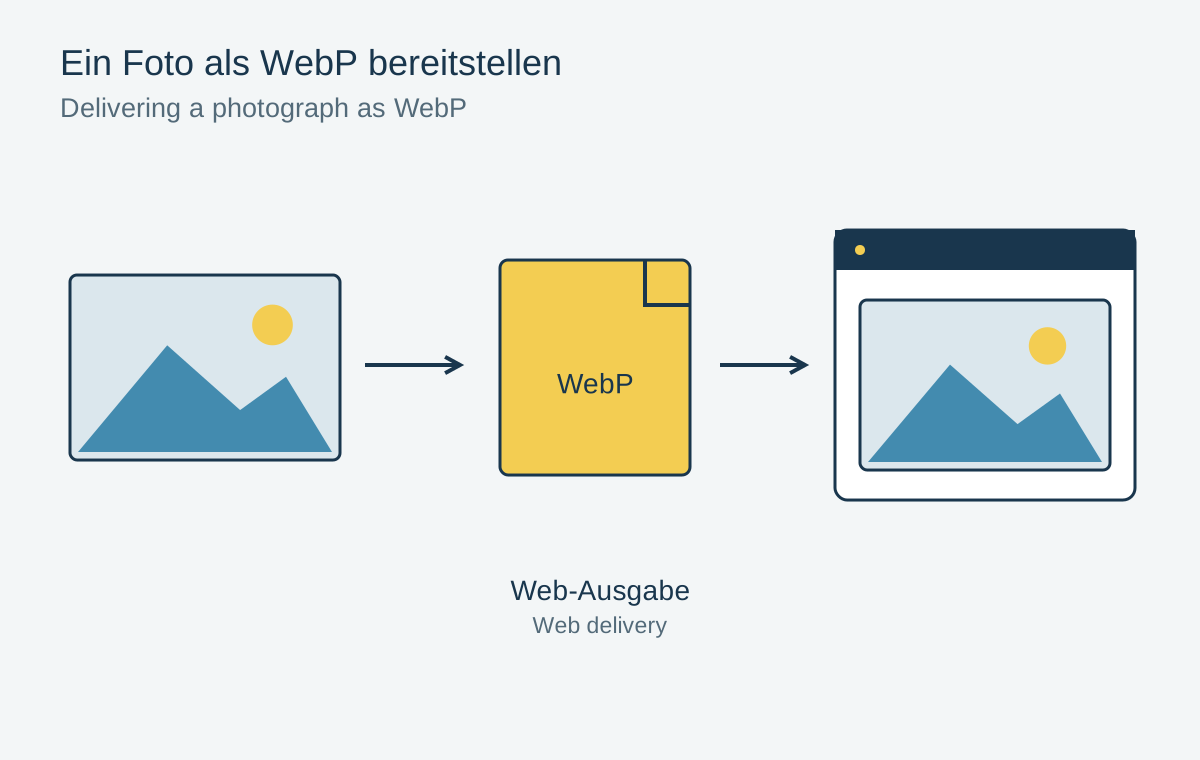
Image editing
Test WebP as a delivery format without replacing the original file.
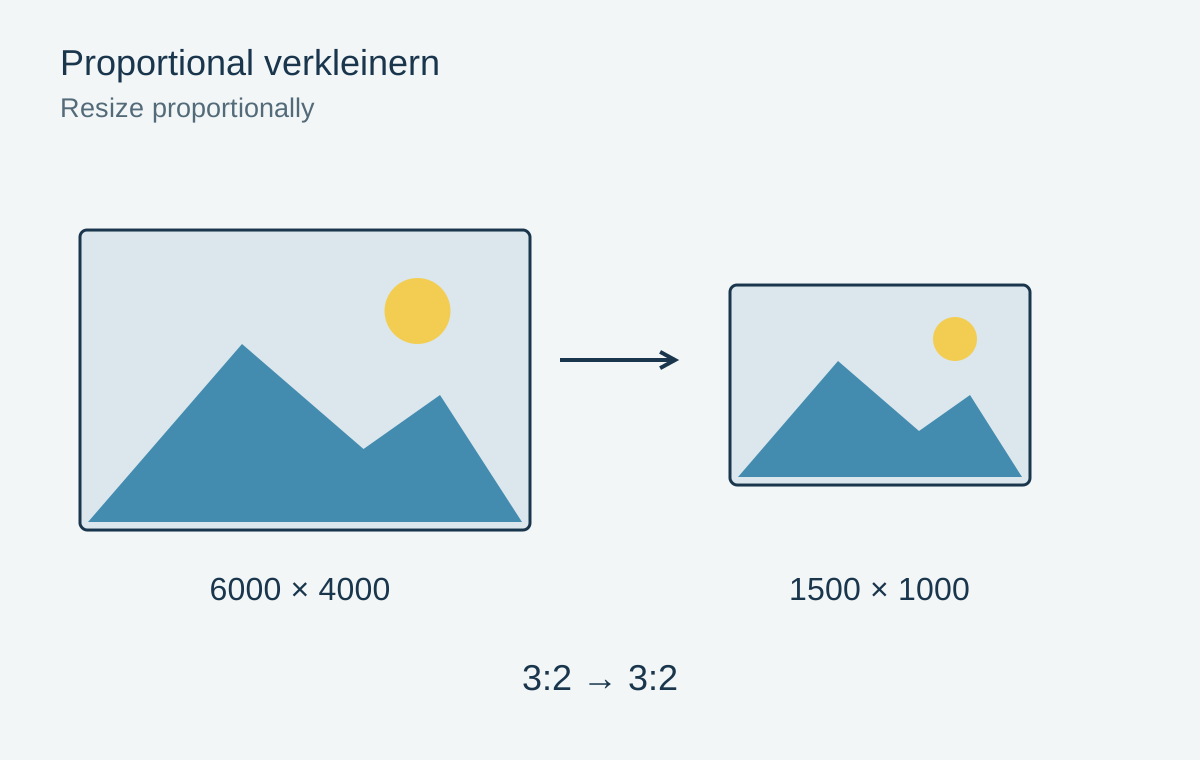
Image editing
Distinguish image size, canvas and cropping so shapes retain their proportions.
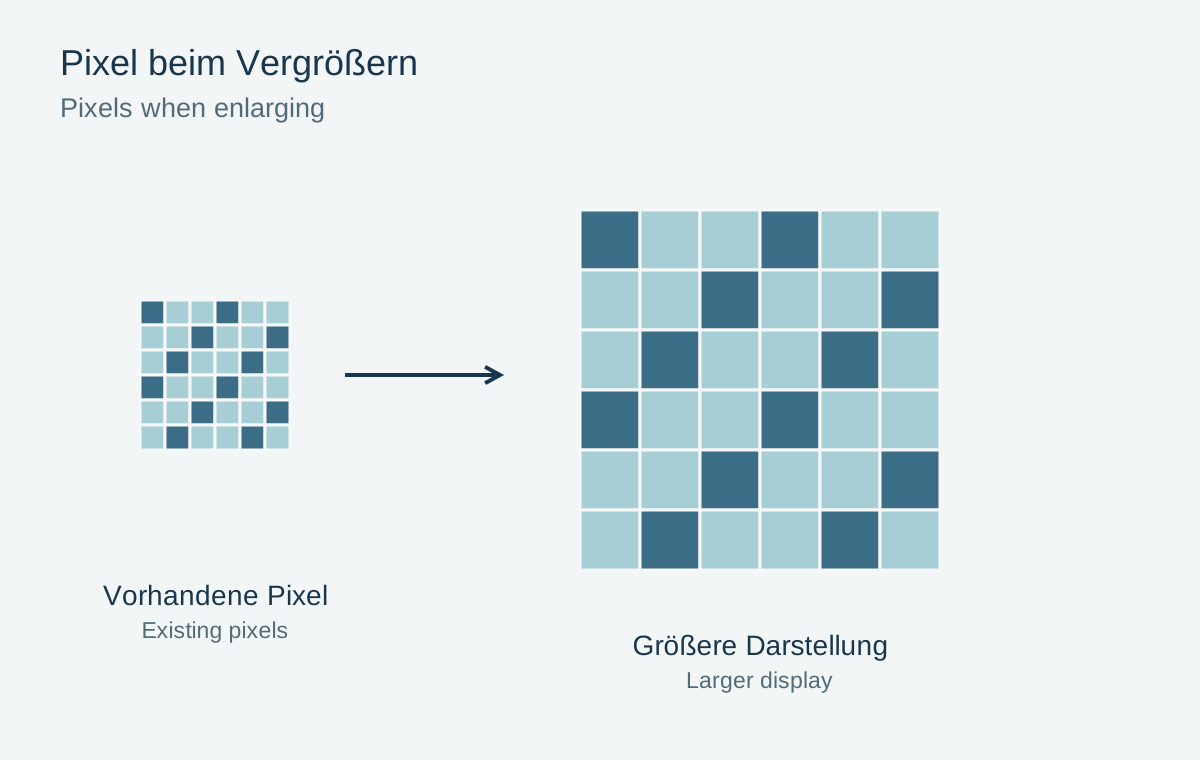
Image editing
More pixels can support a larger output, but do not prove that genuine detail has increased.
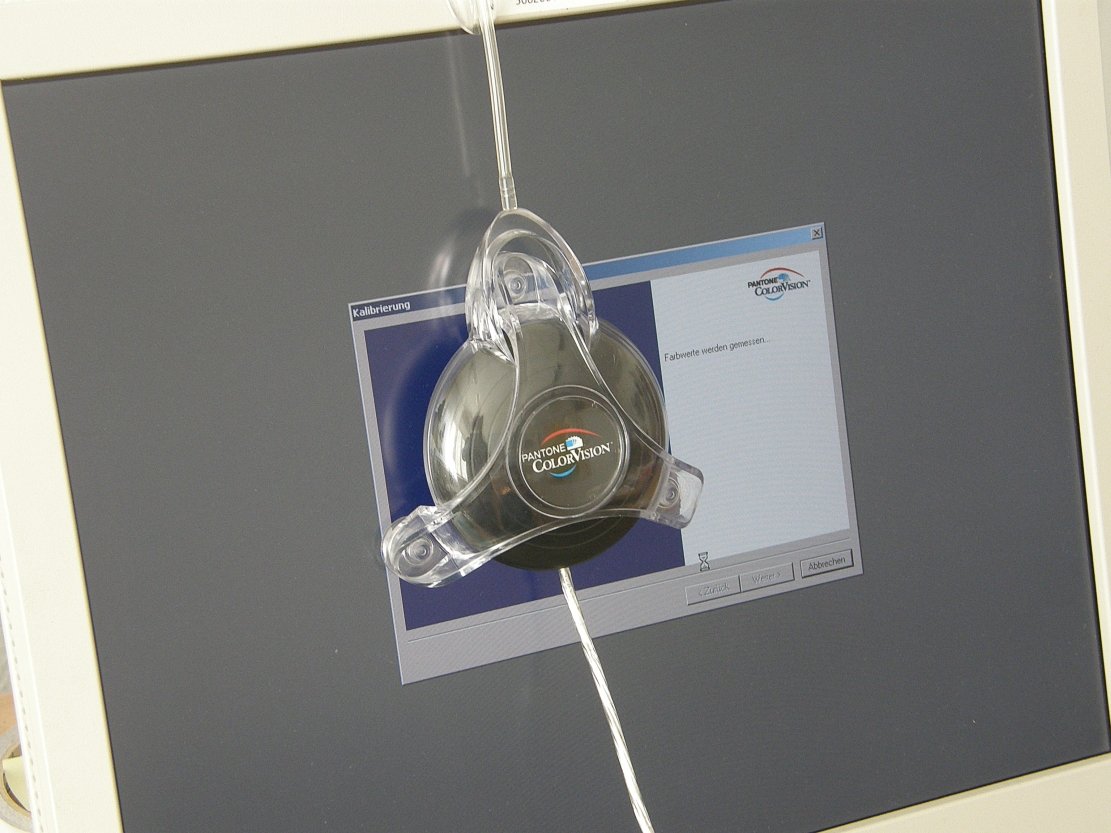
Image editing
Check display brightness, surrounding light and colour profile together.
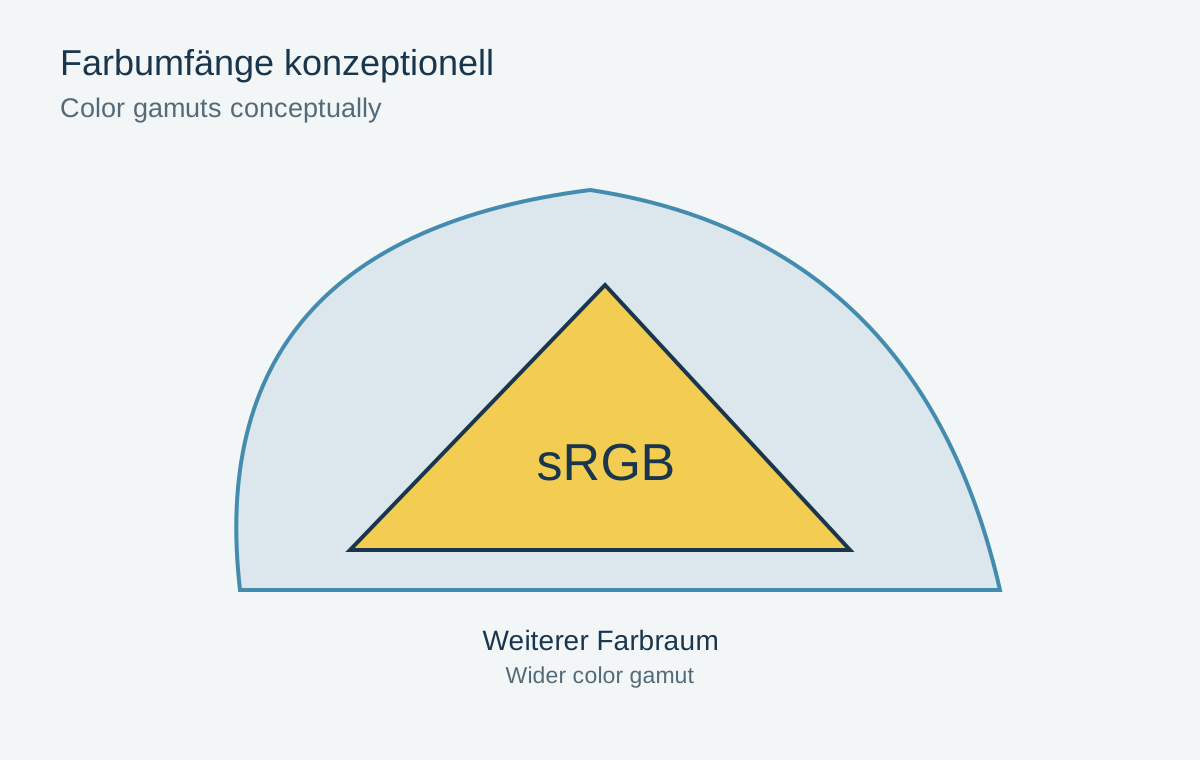
Image editing
Colour spaces give numbers meaning; a wider gamut does not automatically improve a picture.
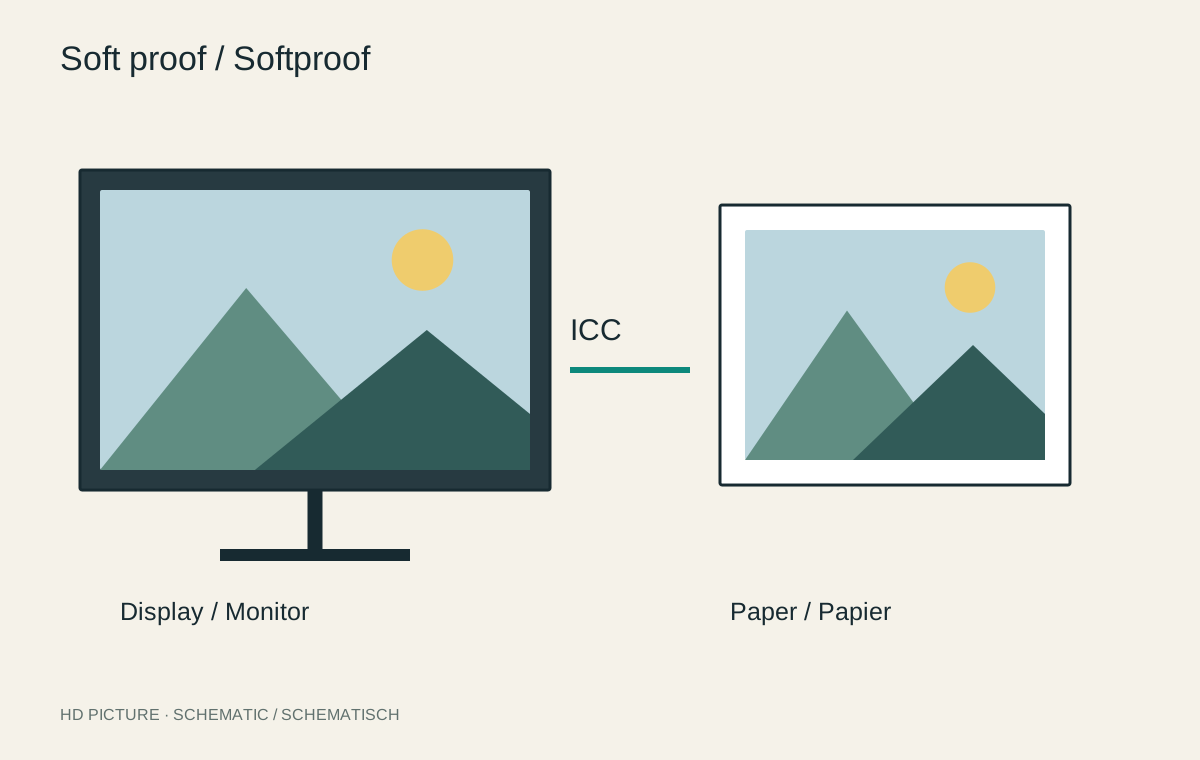
Image editing
A print simulation helps only with the appropriate profile and a reliable display.
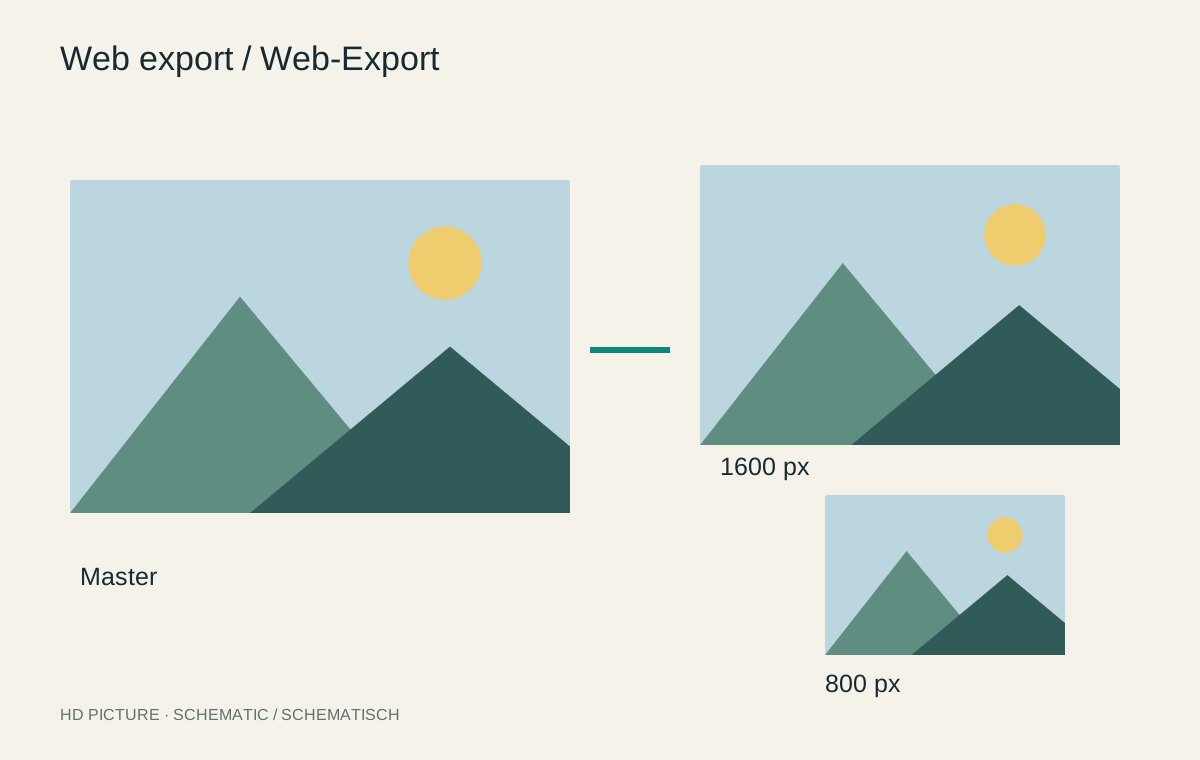
Image editing
A web export needs suitable pixel dimensions, controlled compression and a considered crop.

Image editing
Bright outlines can originate from sharpening, local contrast or inaccurate masks.


