Uploading full camera resolution directly to a website is rarely the best starting point. Visitors may download large files for an image displayed only as a small card. At the same time, the output should not look needlessly soft on a high-density display. Plan from the actual presentation rather than a blanket file-size limit.
Define placement and composition
A wide hero image needs a different composition from a square thumbnail. Create those versions deliberately and check faces and important objects. If one file is cropped automatically, define a suitable focal point or provide different compositions for different views.
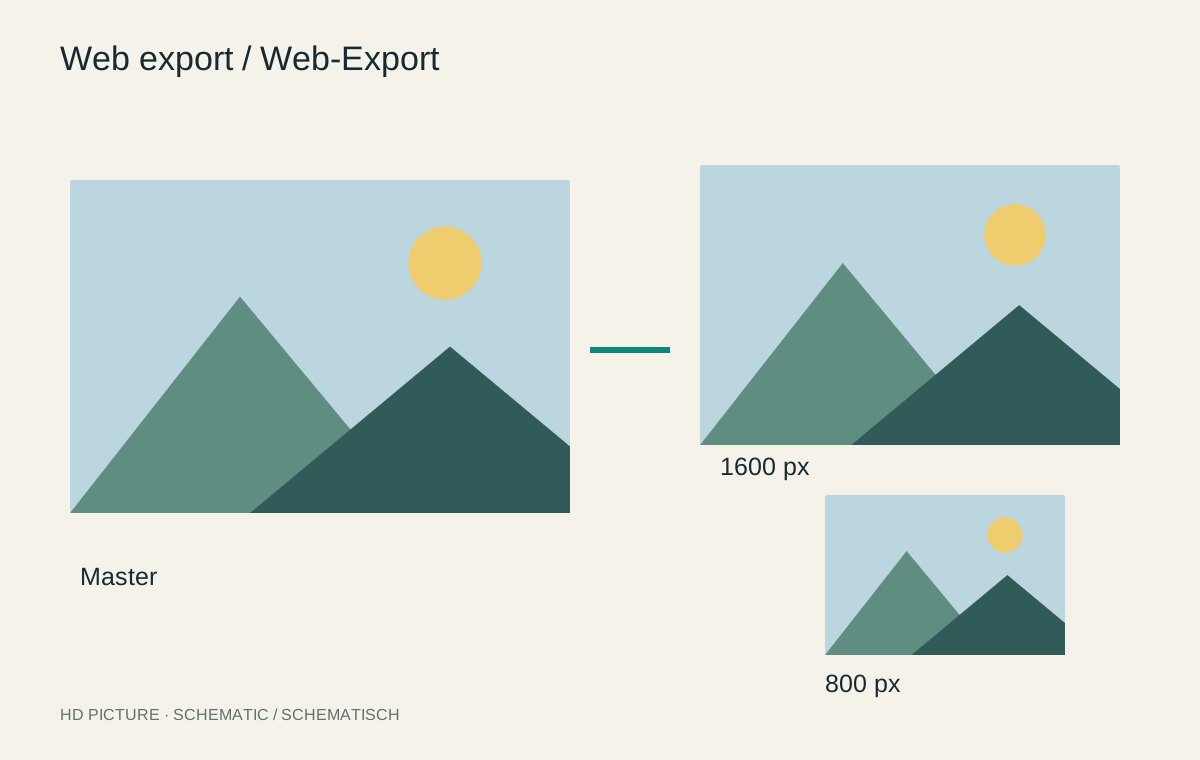
Identify the largest display width in the layout. A larger variant may suit higher-density screens, but that does not mean serving maximum resolution for every thumbnail. Responsive image variants can let the browser choose a more appropriate source.
Judge export settings against the subject
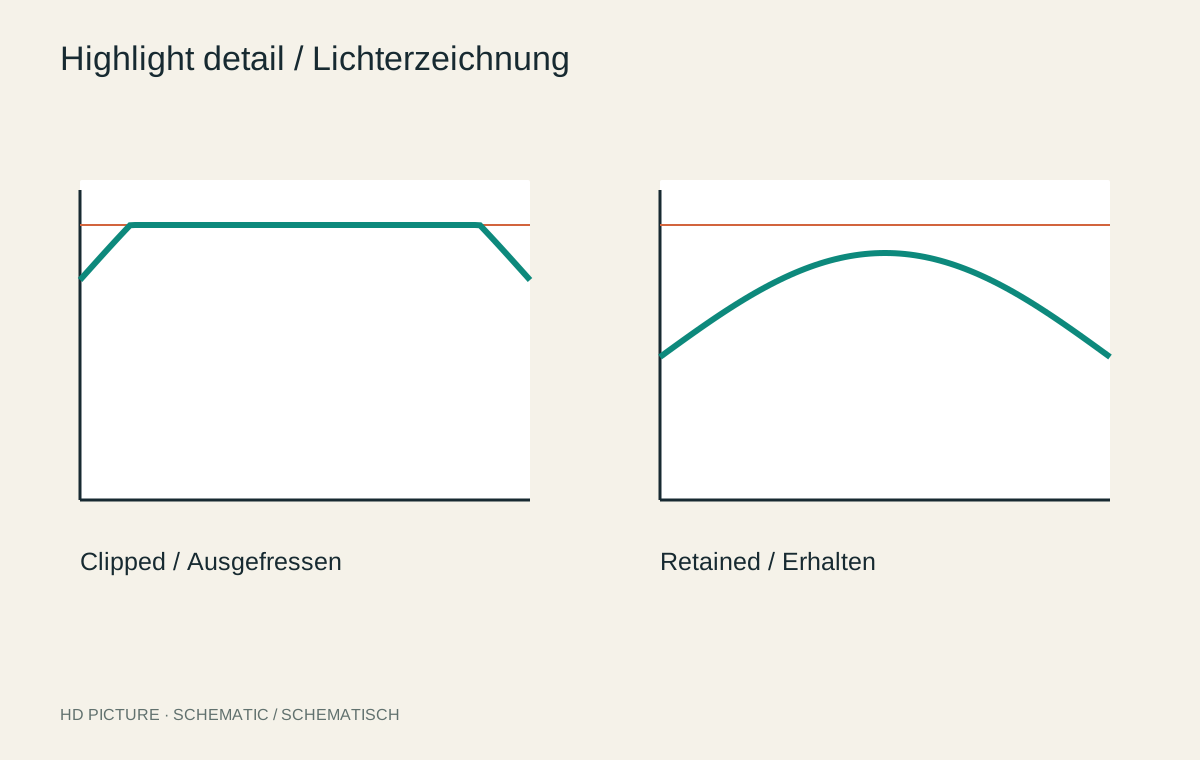
Use a suitable output colour space, commonly sRGB, and a format appropriate to the content. JPEG or WebP can serve photographs efficiently; transparent graphics require corresponding support. Compare compression settings at identical dimensions. Fine branches, hair and smooth skies reveal problems sooner than coarse stone surfaces.
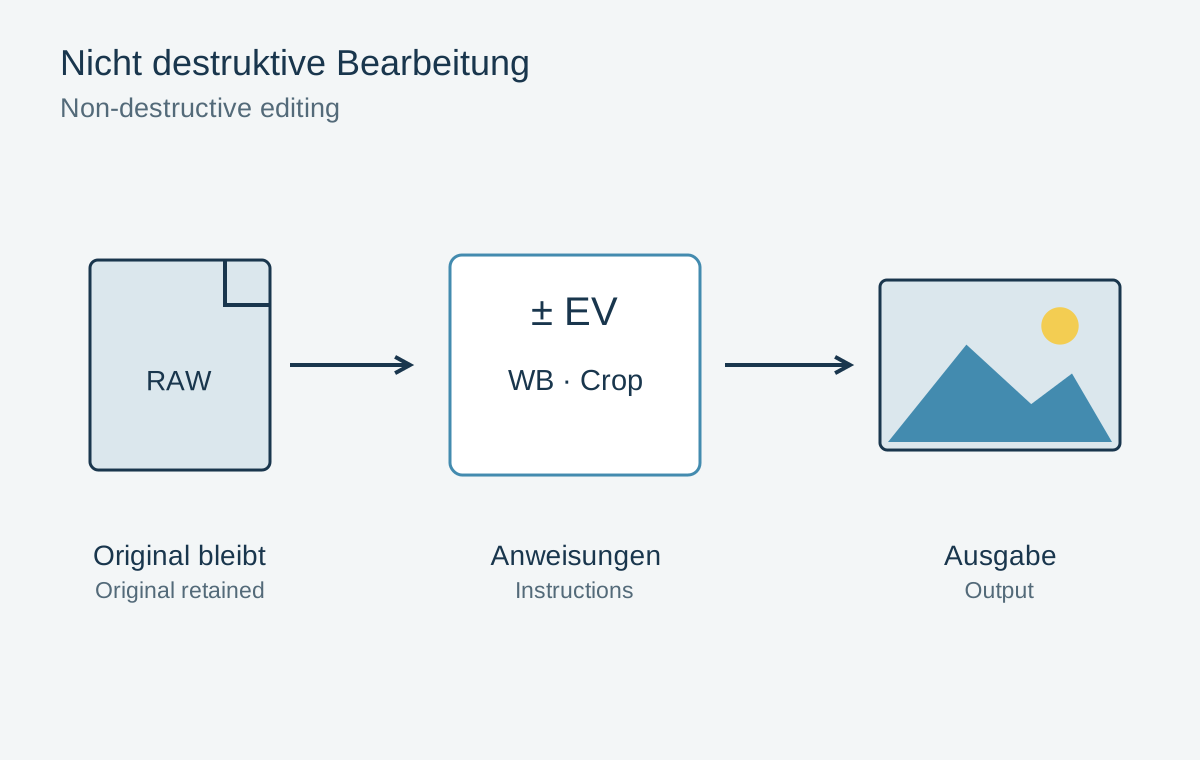
Moderate output sharpening may help after downsizing, but inspect lettering and hard edges for fringes. Save the web copy separately from the master and avoid repeated lossy editing of the same export. A meaningful filename makes future updates easier.
Keep information outside the image pixels
Important headings and explanations should usually remain real page text. Embedded lettering can become too small on a phone and cannot scale independently. Give informative images alternative text describing their function in context. Purely decorative pictures require different treatment from explanatory photographs.
Before publishing, also check for location data or other personal metadata that should not be public. Remove it from the web copy without unnecessarily altering the archive original. Visible house numbers and faces remain in the picture and need separate consideration.
Test the actual page
Open the page on small and large screens. Check loading behaviour, proportions and cropping. Declared image dimensions help the layout reserve space before loading. Text jumping afterwards is distracting even when the photograph itself looks good.
Inspect the file actually delivered. Some systems recompress or resize uploads, so a local export preview does not prove visitors receive the same quality. Keep a repeatable export workflow so new images fit the existing site consistently.