A folder name reveals the year but may not identify the people in a photograph. Keywords add that information without creating another folder for every person. A family archive benefits from a small vocabulary that still makes sense after a long break. There is no need to describe every visible object: concentrate on the questions you will actually use when searching for pictures later.
Keep person, occasion and place separate
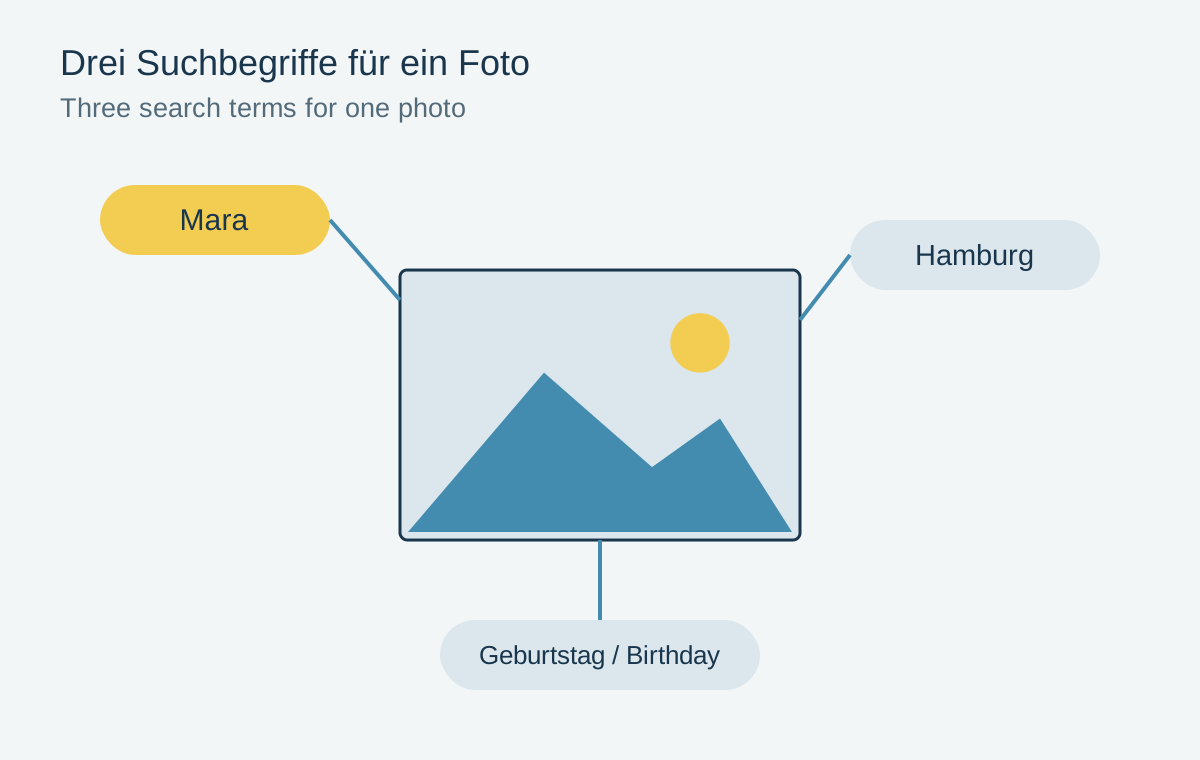
Start with three kinds of terms: people, events and places. A picture might receive the keywords “Mara”, “birthday” and “Hamburg”. The date usually belongs in the existing capture information. An additional note helps when the picture is a scan and the original date is only approximately known.
Choose a consistent spelling for similar terms. If some photographs say “birthday party” and others say “birthday”, complete results may depend on the search implementation. A short vocabulary list alongside the archive provides a useful reminder. For people with identical first names, use an understandable additional identifier consistently within the private archive.
Do not silently record uncertain identities as facts. Use a separate note such as “possibly ...” and record who made the identification. This preserves the distinction between observed information and a tentative interpretation.
Batch tagging with a cross-check
Select a manageable group of related pictures and initially apply only the shared occasion. Add people in smaller groups afterwards. Not every person appears in every photograph of a family gathering. An unchecked batch operation can therefore introduce more incorrect information than missing keywords.
Then perform a real search: find photographs of one particular person at a particular event. Check several results and some expected pictures that did not appear. This retrieval exercise reveals whether the system works more quickly than designing a perfect keyword hierarchy.
Establish where the application stores the terms. In Lightroom Classic they may initially exist only in the catalog; writing compatible metadata requires an additional setting or action. Before changing applications, test a few exported files to see which terms actually travel with them. Also inspect the output before public sharing: private names and locations do not need to accompany every published copy.