

COMPUTERS · NETWORKS · OFFICE IT
When everyday technology gets in the way
Narrow down faults, connect your equipment and keep track of your files.
Four places to start
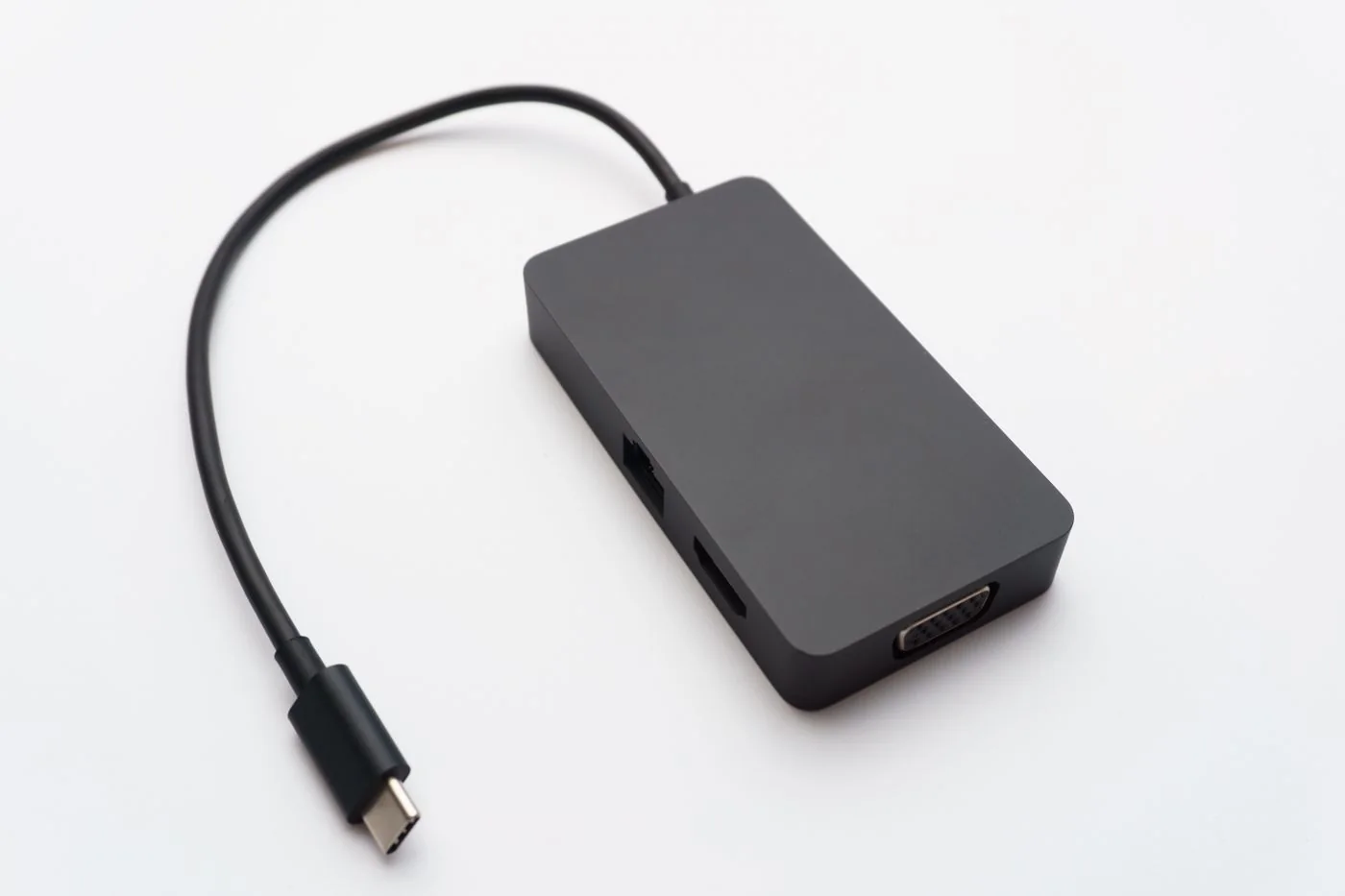
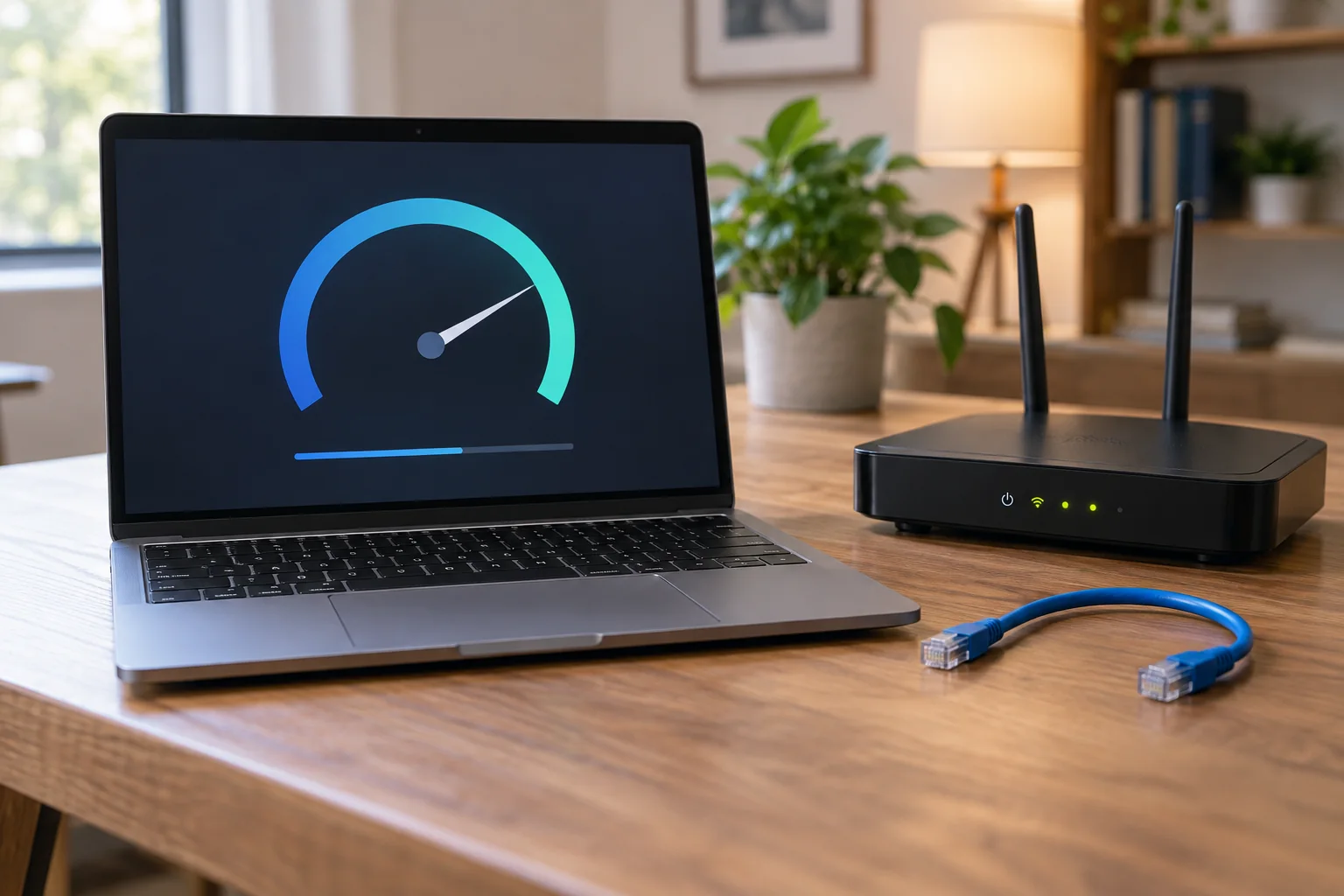

Set up your workspace
Connections and equipment



Files & backup
Understand backup and synchronisation
A folder appearing on both a laptop and a phone can feel like a backup. Usually, it proves that synchronisation is working: both devices are being kept up to date. Whether it also gives you a usable recovery copy depends on what happens after a mistake, a damaged file or a lost account.

Topics
Guides organised by subjectComputers & systems
Setup, updates and narrowing down computer faults.
Displays & accessories
Matching ports, displays and accessories to the task.
Networks & Wi-Fi
Checking connections and planning a network you can follow.
Files & backup
Organising, backing up, sharing and restoring files.
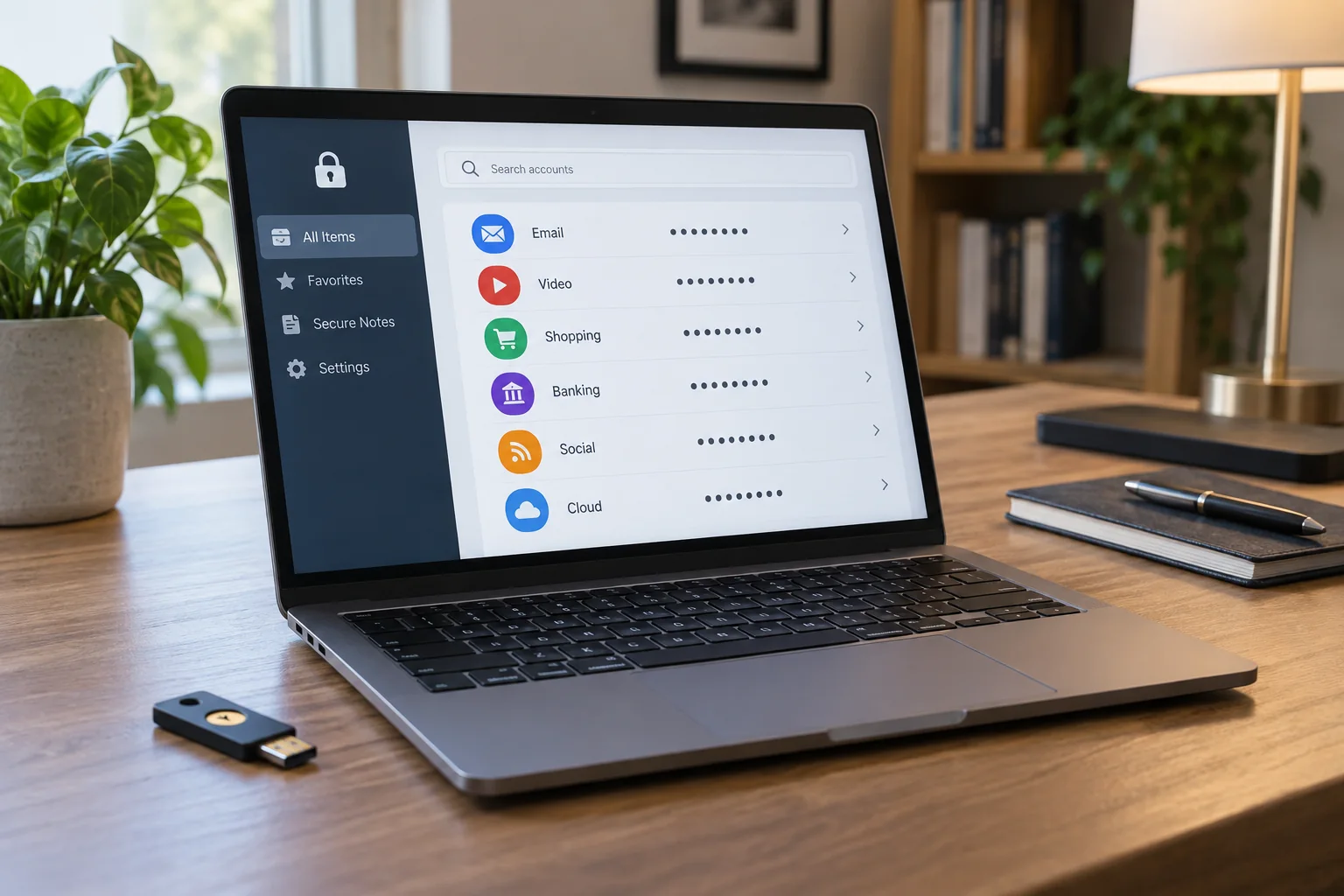
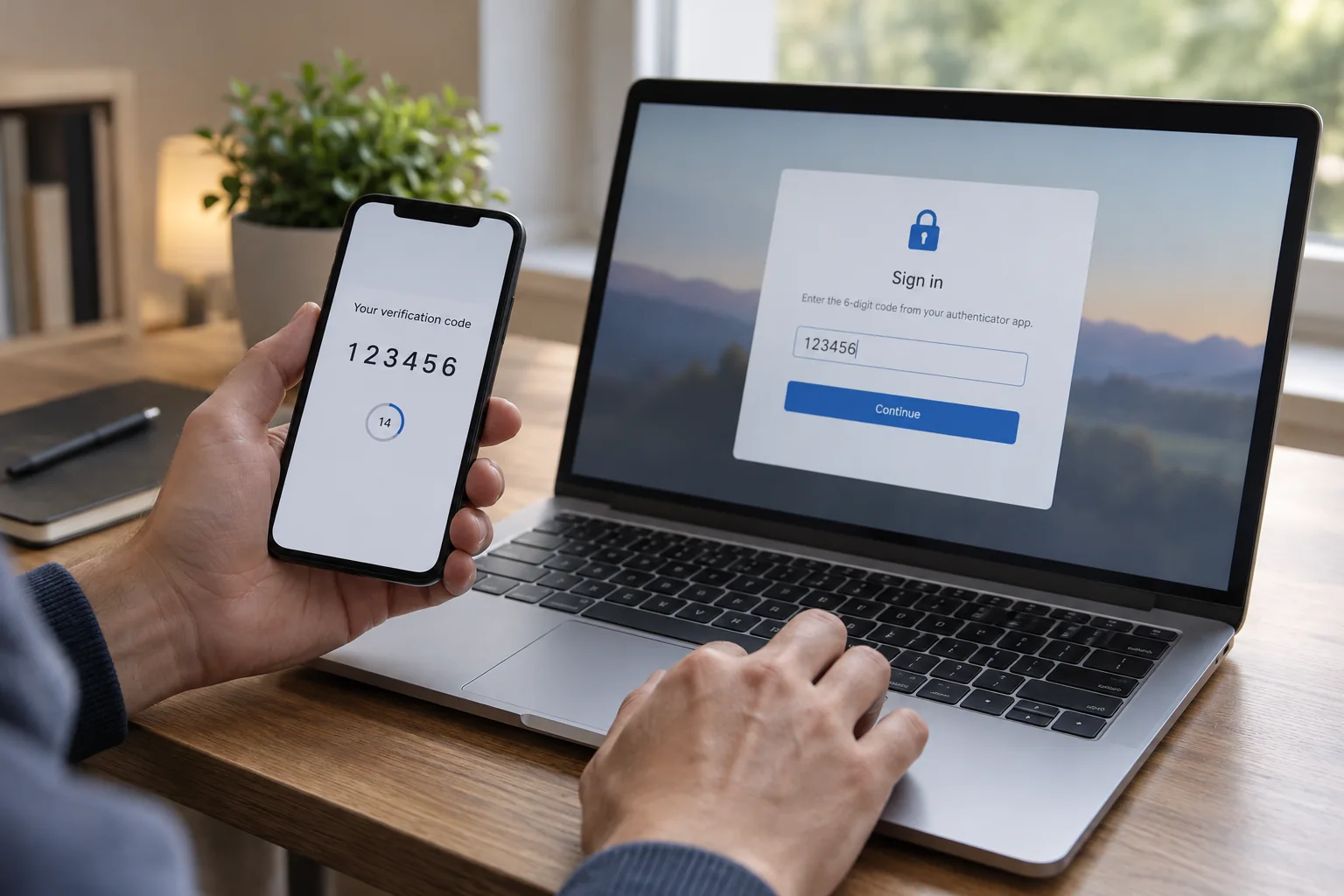
Accounts & security
Managing access and making deliberate choices about settings.
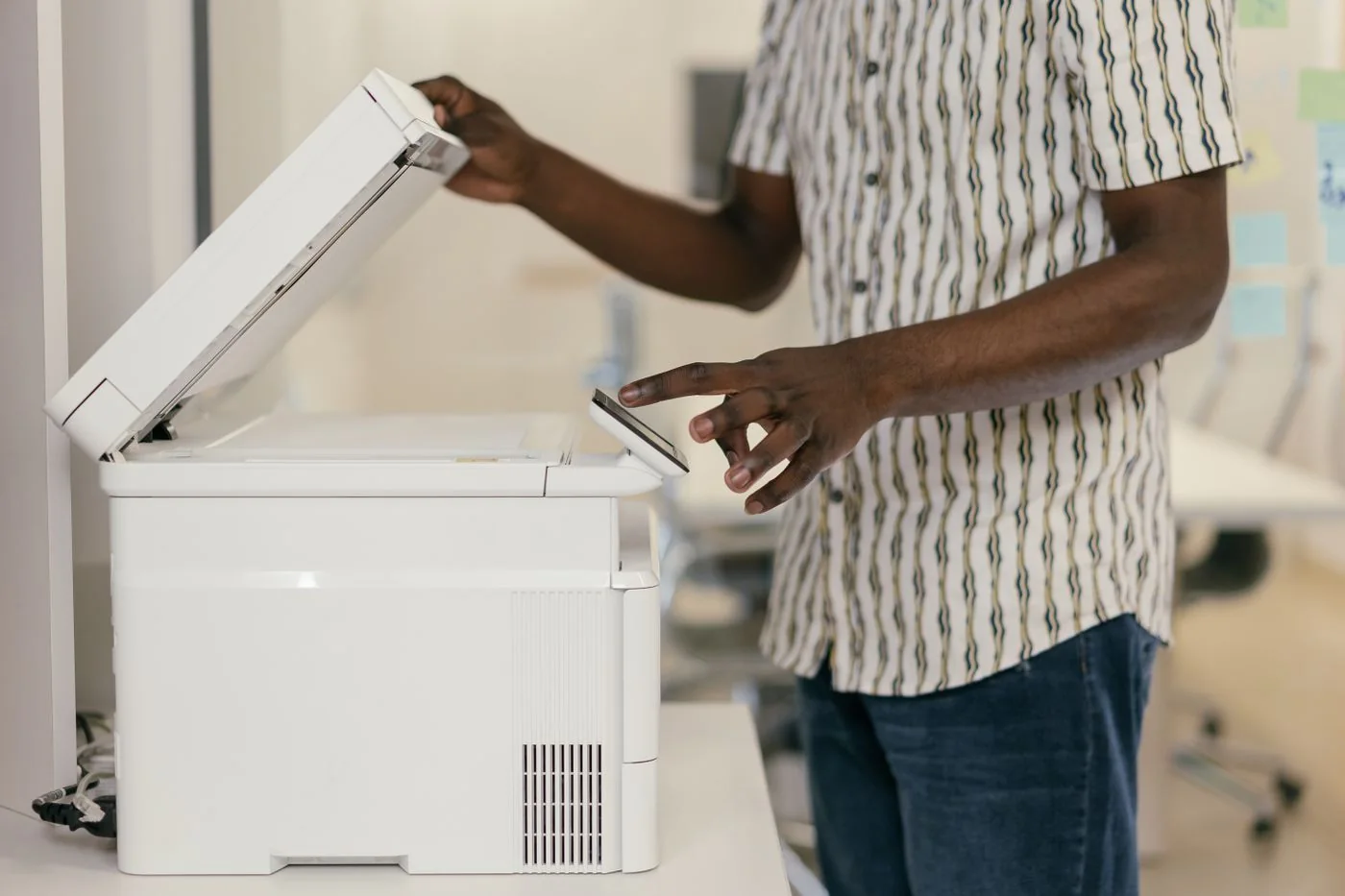
Printing & scanning
Connecting printers and moving documents between paper and files.
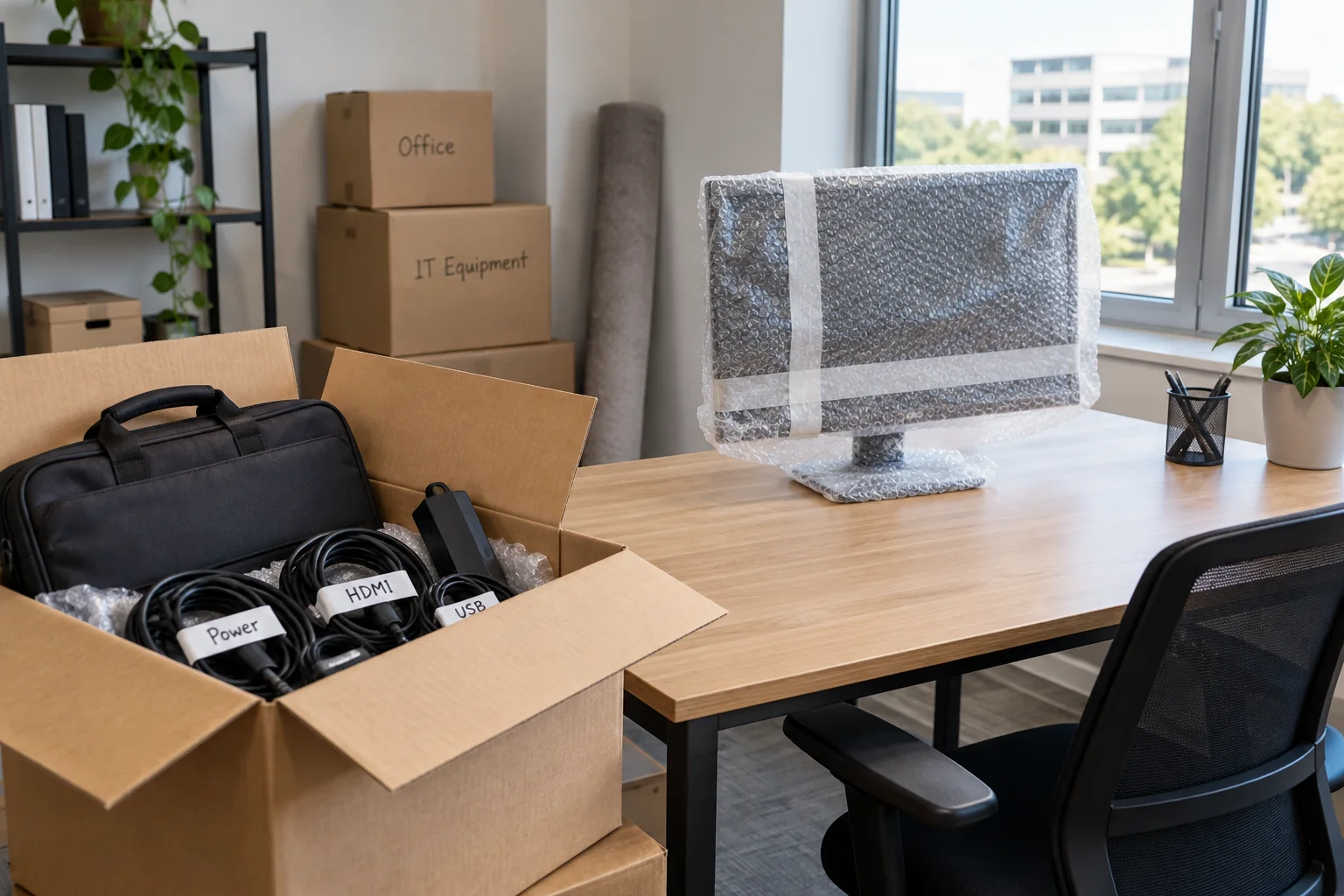
Small-team IT
Keeping track of equipment, responsibilities and handovers.