A file labelled “300 dpi” is not automatically suitable for a large photographic print. What matters is how many image pixels remain after cropping and how much paper they must cover. A small preview does not acquire new detail when its resolution label changes. Before ordering, calculate from the actual pixel dimensions rather than relying on the number in the resolution field.
From centimetres to pixels
The calculation is: pixels = length in centimetres ÷ 2.54 × desired pixels per inch. One inch equals exactly 2.54 centimetres. Calculate the two sides separately. For a 10 × 15 cm print at 300 ppi, the result is approximately 1181 × 1772 pixels. At 20 × 30 cm it becomes approximately 2362 × 3543 pixels. These figures are rounded to whole pixels; a difference of one pixel has no practical importance here.
Doubling the length of each side requires twice as many pixels in each direction. The total pixel count therefore quadruples: the larger example needs approximately 8.4 rather than 2.1 megapixels. This explains why a file can suit a small print yet look visibly softer at a larger size. Also check the actual dimensions of the laboratory product you choose, because its advertised format name may be rounded.
The calculation also works in reverse: print width in centimetres = available pixels ÷ desired ppi × 2.54. A file 3600 pixels wide produces a width of 30.48 cm at 300 ppi. This describes only the mathematical distribution. Whether the capture supports that size convincingly still depends on focus, movement, compression and cropping.
An order requires both dimensions. A 3600 × 1200 pixel file is a panorama rather than an ordinary 3:2 photograph. At that density, it fills 30.48 × 10.16 cm, but cannot fill approximately 30 × 20 cm without cropping. The longer edge alone therefore does not establish whether the chosen paper can be covered.
What remains after cropping
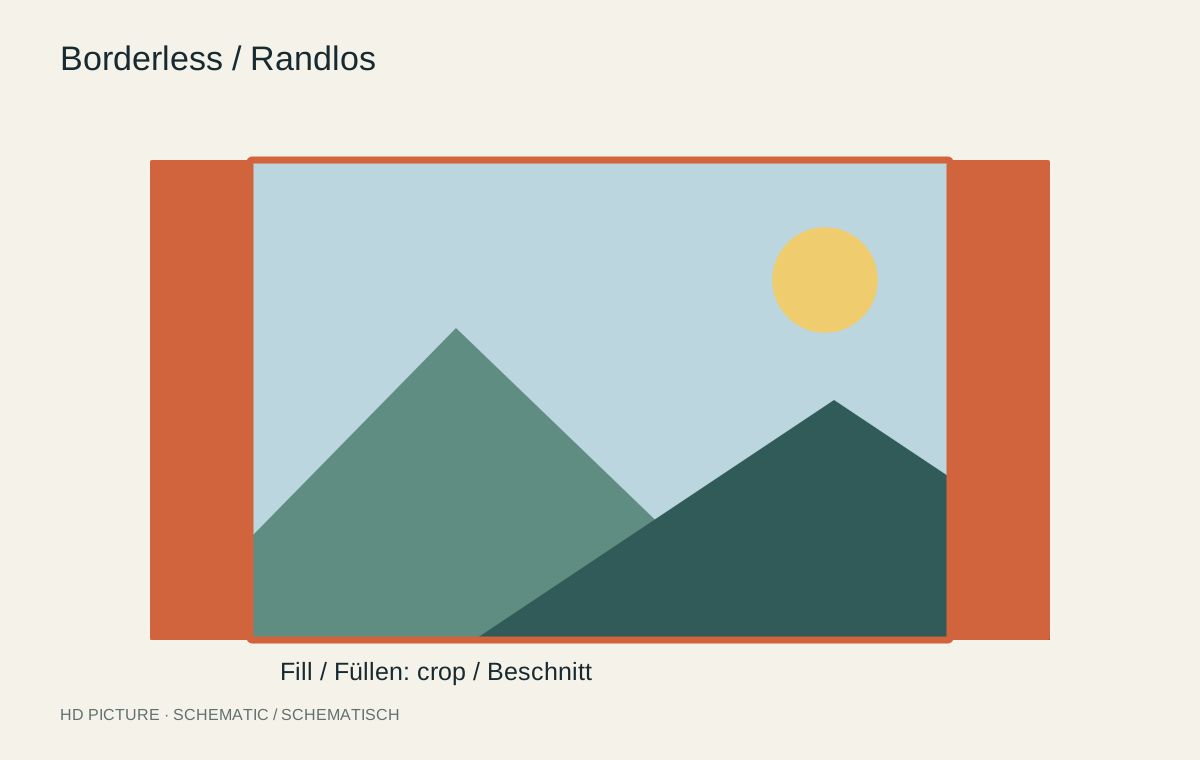
Both example sizes have a 2:3 aspect ratio. A photograph measuring 4000 × 3000 pixels instead has a 4:3 ratio. To cover 20 × 30 cm without a border, some image area must be removed. A centred landscape crop could leave 4000 × approximately 2667 pixels. This still provides roughly 339 ppi across 30 × 20 cm, but a face near the edge might disappear.
Set the final crop first, then read its pixel dimensions. To retain the whole photograph, choose a suitable paper border or a different format. Do not stretch the picture by changing its two dimensions independently: round objects become oval and faces acquire incorrect proportions.
Interpreting the resolution label
Ppi describes image pixels per inch; dpi strictly refers to the dots produced by an output device. A printer may use several dots to reproduce an image pixel. Its advertised dpi figure is therefore not the pixel resolution your photograph must supply. Some applications and ordering systems nevertheless use these terms loosely.
Changing only the ppi value with resampling disabled preserves the image pixels. It changes the calculated physical print size. With resampling enabled, software can calculate additional pixels. Edges may appear smoother, but details that were never recorded cannot be recovered reliably. Inspect lettering, hair and fine patterns particularly carefully when enlargement produces artificially reconstructed textures.
A test print answers the quality question
300 ppi is a useful starting point for a small print viewed closely, rather than a universal dividing line between good and bad. Viewing distance, paper surface and subject detail all affect the impression. A large wall photograph is usually seen from farther away than an album print. Nevertheless, follow the file specifications supplied by your print provider.
For an important enlargement, print a representative section at the intended final scale. Examine it from the planned viewing distance in suitable light. This reveals more than insufficient pixels: existing motion blur, excessive sharpening and compression artefacts may also become obvious. A high pixel count alone cannot remove these capture or processing problems.