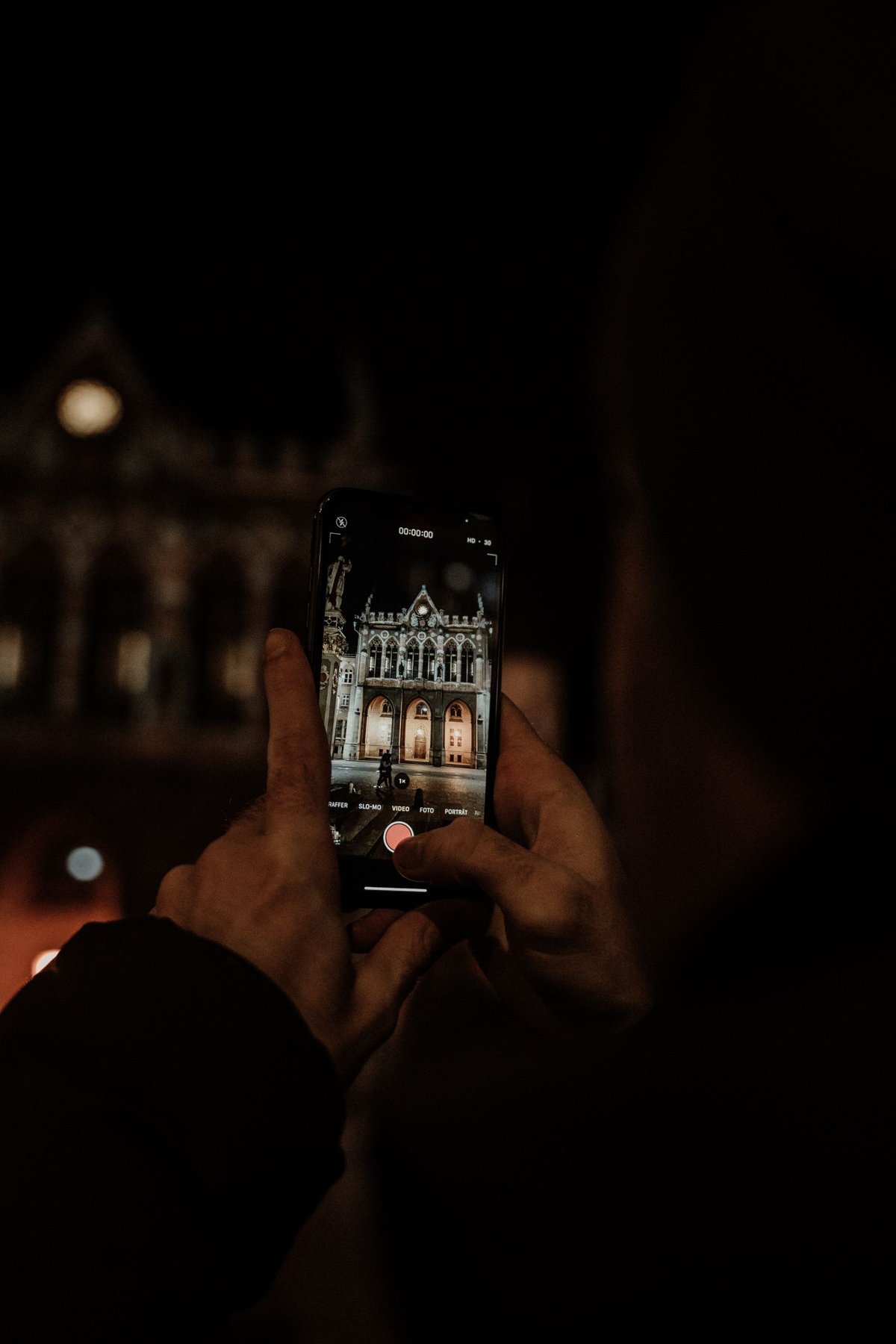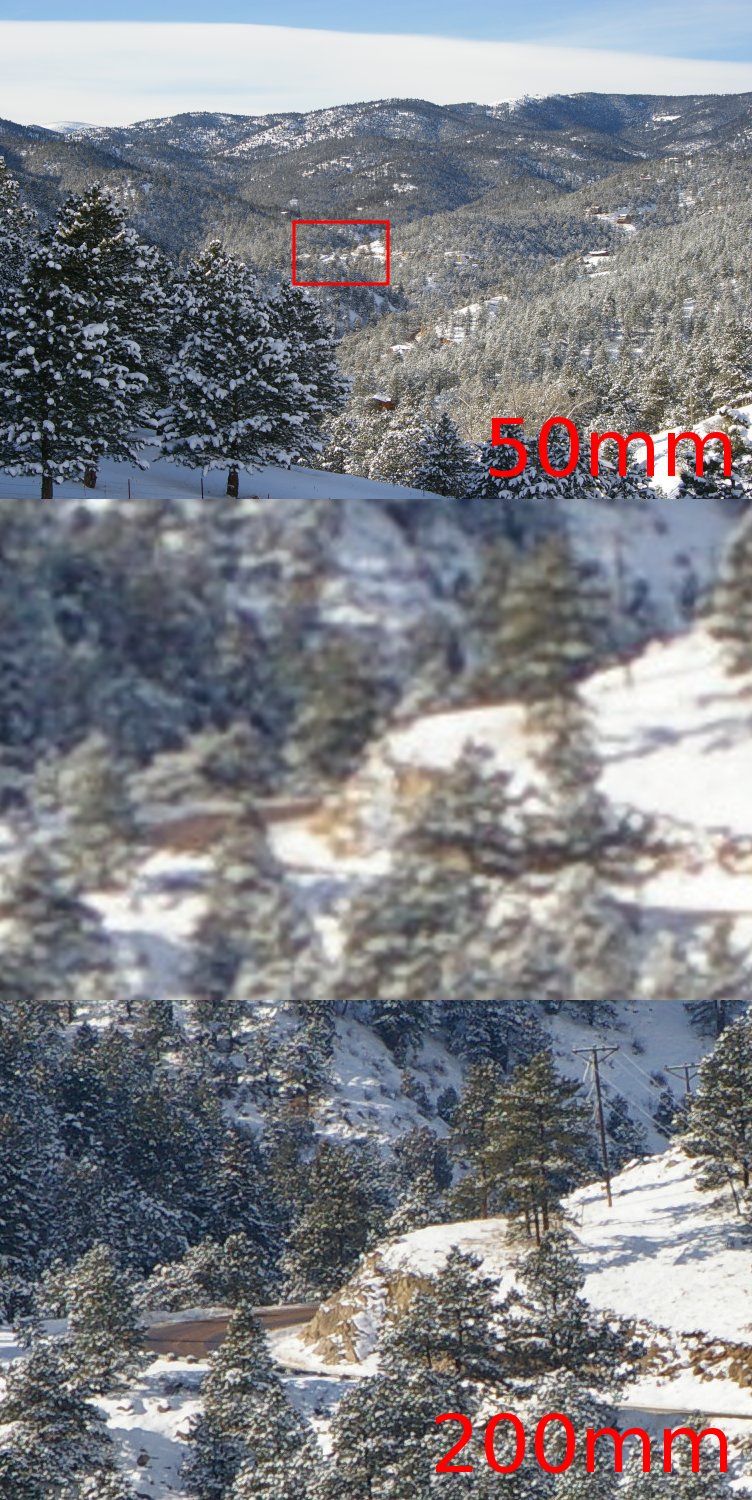
Spreading two fingers makes a distant subject larger. Behind that simple gesture may be a switch of camera, a crop from the sensor image or more elaborate image processing. The displayed zoom number alone therefore does not establish image quality. For important pictures, compare the zoomed capture with a later crop from a lower-zoom photograph.
What cropping changes
With a simple twofold linear crop, half the original width and half the height remain. The selected area therefore contains one quarter of the pixels. A hypothetical 4000 × 3000 image would become a 2000 × 1500 crop. The phone can calculate a larger output file again, but this does not automatically create an equivalent amount of newly captured detail.
Modern devices do not always use that simple process. They may combine several exposures or switch camera modules. Google, for example, describes combined camera and computational methods for Super Res Zoom. Results depend on the model, light and subject; treating every digital zoom as the same fixed quality loss would be too simplistic.
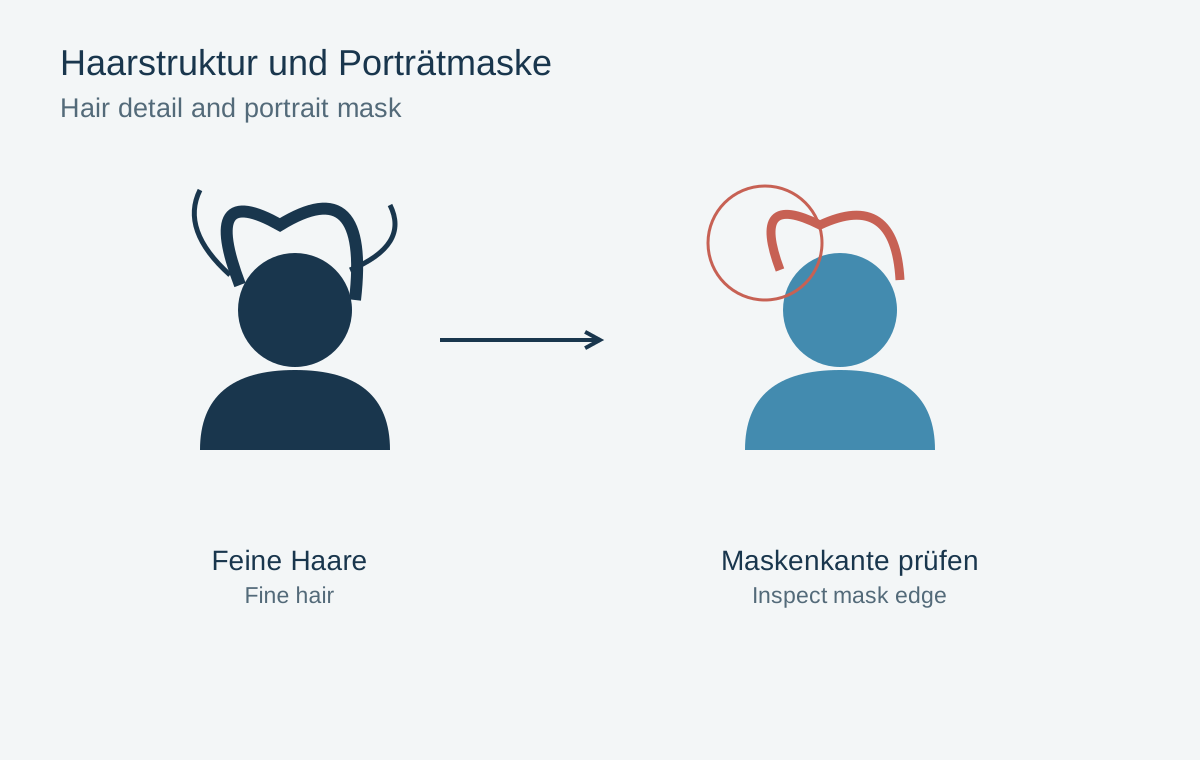
Fine, irregular structures are particularly revealing: hair, leaves or small lettering. Look for recognizable shapes rather than merely sharp-looking edges. A crisp outline does not establish that a tiny detail was reproduced correctly.
Make a fair comparison
Photograph the same stationary subject from the same position under the same lighting. Hold the phone steadily and let processing finish. Afterwards crop the comparison image to the same framing and assess both at the intended output size.
Also test a lower-light situation. A bright daylight result says little about a dim interior. If the subject moves, aligning and combining multiple frames introduces further possible errors.
Moving closer can capture more subject detail, but also changes perspective. In a portrait, for example, it changes the relationship between the nose, ears and background. Choose the viewpoint for the intended appearance before deciding on the crop. Moderate zoom may be entirely adequate for a small screen image while retaining too little information for a large print.
A detail test without additional equipment
Choose a stationary subject with different textures, such as a shelf of book spines beside a piece of fabric. A lettering-only target may favor methods that render hard edges particularly strongly. Fabric also reveals whether irregular fine texture survives. Avoid a screen for this comparison because its pixel grid can introduce patterns of its own.
Photograph from the same position at a lower zoom and at the higher setting you want to use. Do not simply compare both files at one hundred percent: different pixel dimensions would show different subject sizes. Instead, bring the same framing to the same output size and inspect the results side by side. A small test print is particularly useful for planned print output.
Look at three separate properties: recognizable letters, natural fabric texture and smooth plain areas. One version may render lettering more clearly while smoothing textures. Which result is more useful depends on whether you are documenting a label or recording a general impression.
Repeat a doubtful capture once. A single poor result can come from movement or incorrect focus. If several attempts show the same difference, the observation is more dependable. Record the conditions alongside the pictures instead of deriving a quality rule from a zoom number alone.