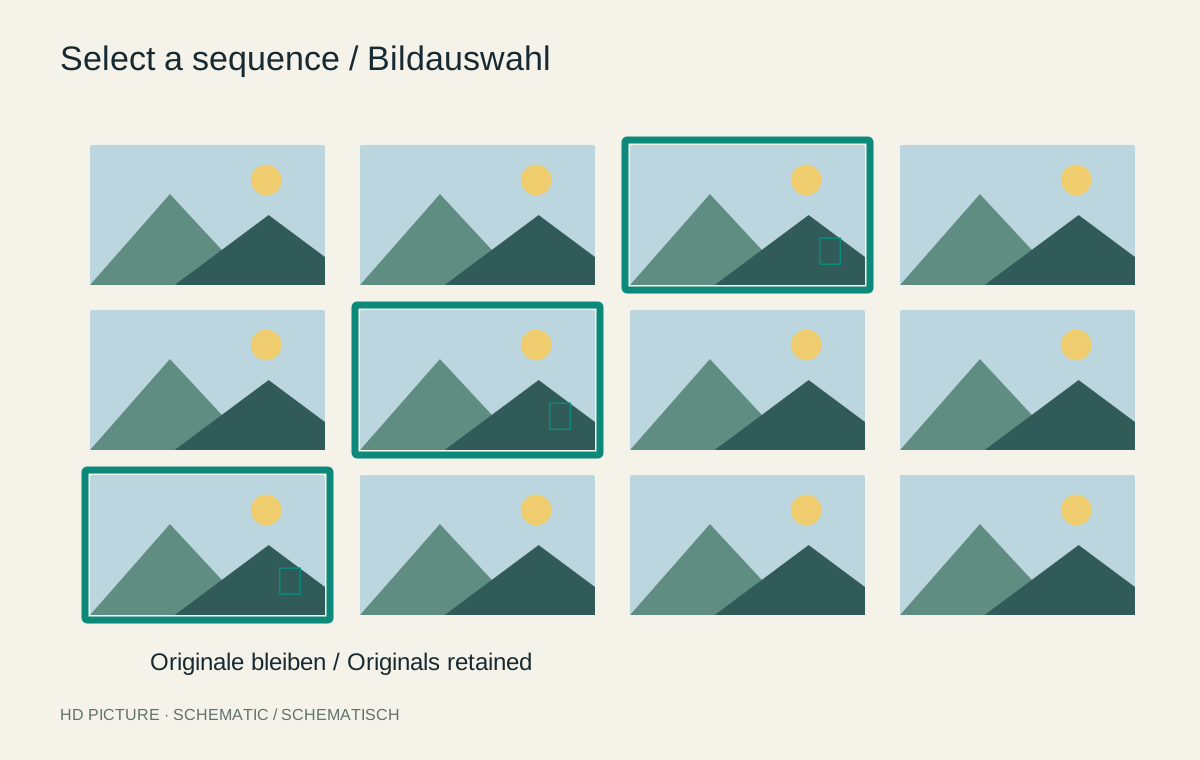
After a day out, the import folder might contain two hundred photographs, while an album needs only twenty. Those two sets do not have to be identical. Treating selection and deletion as separate decisions lets you tell a different story later or return to an initially overlooked frame. The aim is an identifiable selection within the archive, rather than another disorganized pile of copies.
Three decisions instead of one deletion pass
First check that the files were imported completely and backed up. Only then start selecting. On the first pass, flag pictures with an identifiable role: an overview, a person, a detail or a transition between two situations. Technical perfection is only one consideration. A slightly blurred photograph can still contain an important memory.
Next, compare similar frames side by side. Look at expressions, obscured hands, distractions near the edges and the precise moment of movement. Choose a preferred frame without immediately removing the alternatives. A rating or selection flag records the decision while allowing it to change later.
Finally, consider which pictures really are unnecessary. An accidental exposure of a closed lens cap is different from a less successful variation of an unrepeatable situation. A deferred selection is more useful for uncertain cases than forcing an immediate final decision.
The album is a view of the archive
Use collections or albums if your application supports them. Lightroom Classic collections can group photographs without reorganizing their storage folders. A picture can therefore appear in a holiday selection and a family album at the same time. These are catalog references, not independent backup copies.
Without catalog software, a list of selected filenames is enough to begin with. Export new files only for a particular purpose, into an unmistakably named output folder. Keep the originals in their established location. A later cleanup is then less likely to confuse a reduced sharing copy with the source photograph.
Back up the selection decisions too. If the catalog alone is lost, the photographs may survive while ratings and album arrangements disappear. Before removing anything, also check whether the command takes a picture out of an album or deletes its file from the drive. That distinction matters more than the color of a rating star.