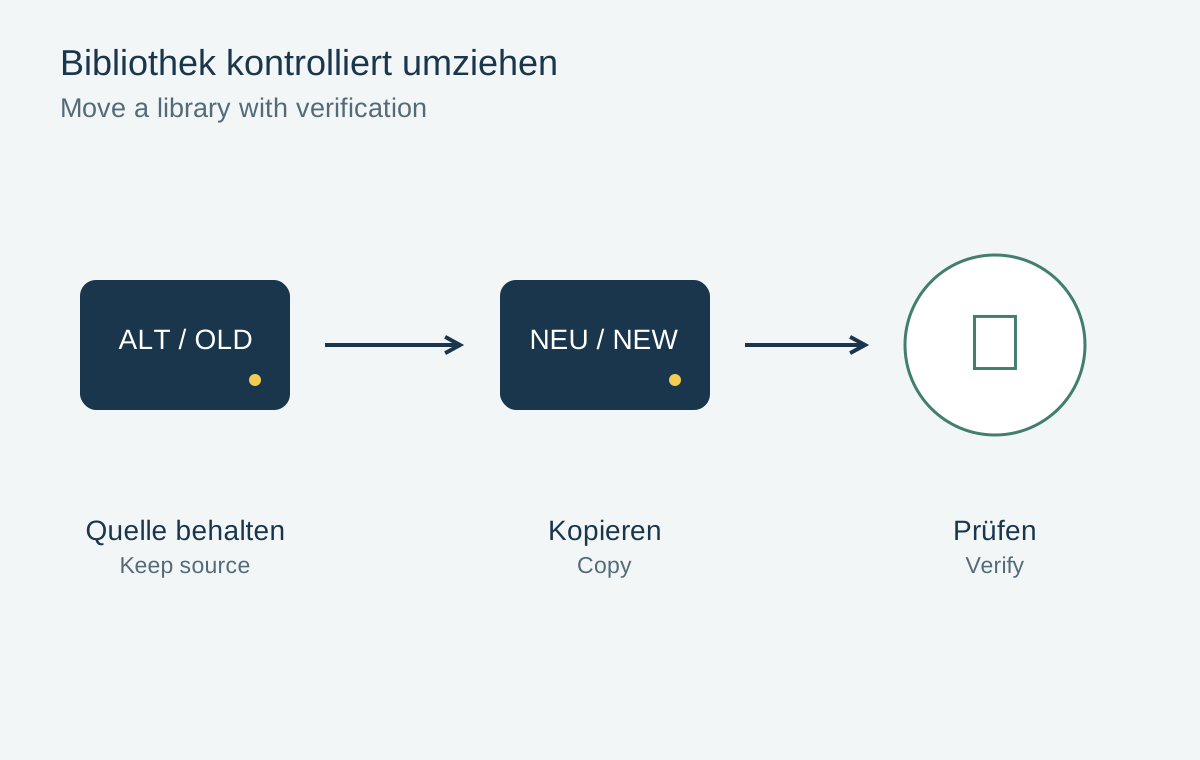
A photo library often consists of a catalog, many image folders and additional preview or editing files. When moving to a new computer or larger drive, the application may still display previews even though the originals are unavailable. Treat the move as a controlled copy followed by verification. Keep the old working environment until the new collection actually functions.
Establish the actual scope
First record where the catalog and originals are stored. A project may reference images across several drives. Recently imported folders, external edits and separately stored videos are easy to overlook. Open a few older and newer files and ask the application to show their locations.
Check available capacity at the destination. Alongside the present collection, the library needs room for new photographs, previews and temporary files. Free space should therefore not merely equal today's reported folder size. Another backup copy needs its own additional storage.
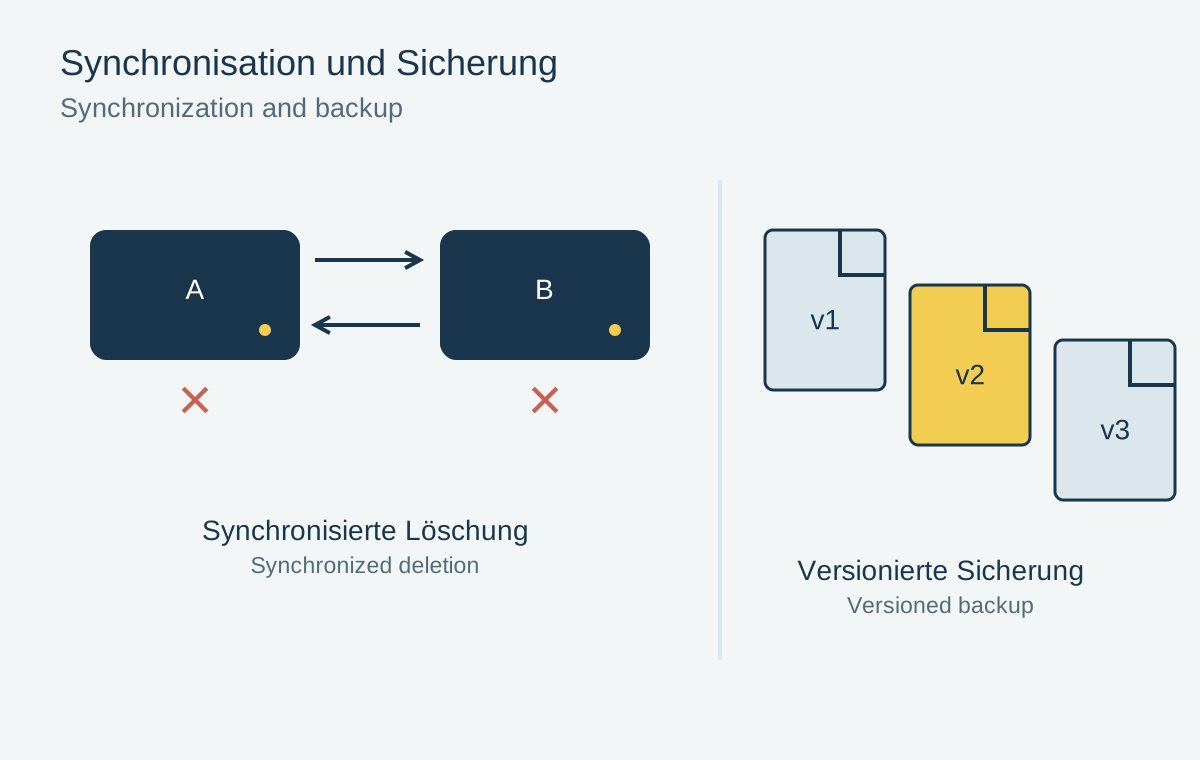
Create a verified backup before moving. If the only existing copy is reorganized while being transferred to new hardware, later errors become difficult to trace. An unchanged starting copy makes the process understandable.
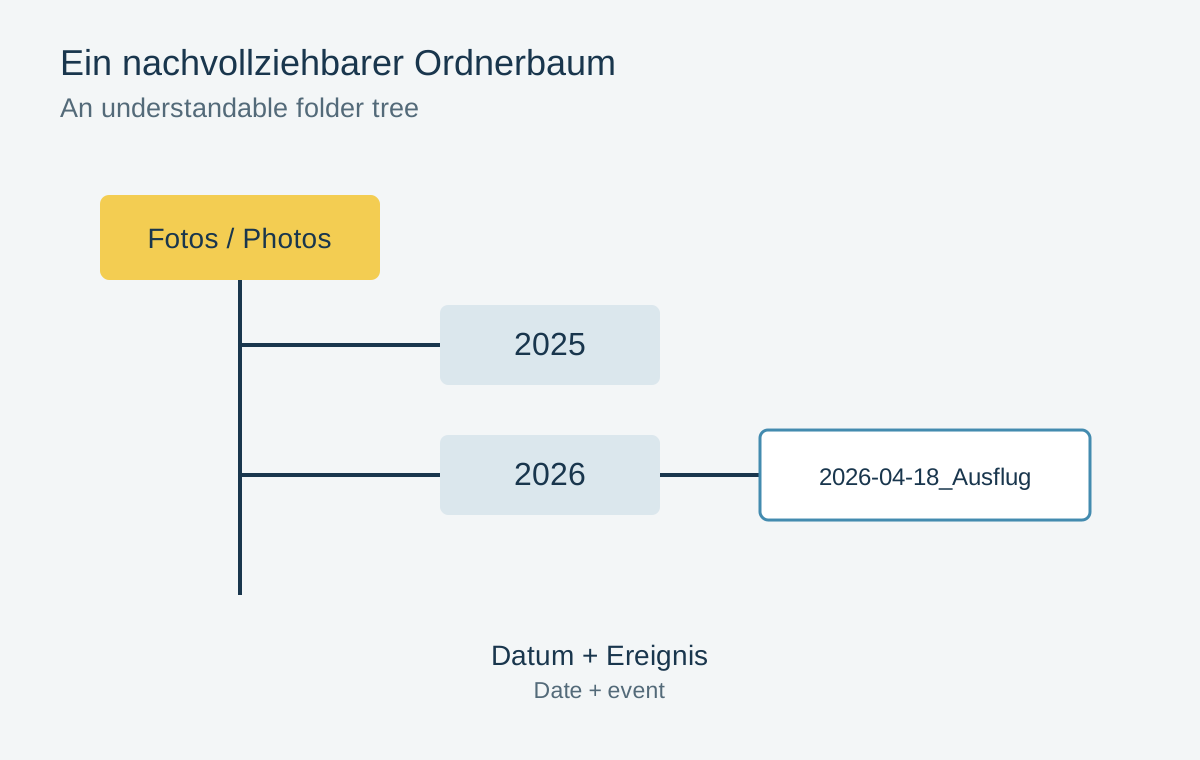
Copy without reorganizing at the same time
Quit the photo application before manually copying its active library files. Preserve the existing folder structure initially. Renaming files, merging folders and cleaning up duplicates can wait until the transfer is complete.
For Lightroom Classic, Adobe describes several associated catalog components. The previews and additional files present depend on the previous workflow. Follow the instructions for your application version rather than copying a single file merely because its extension looks like a catalog.
For a large collection, a file inventory containing sizes and checksums is useful. Compare source and destination after copying. An identical total count does not prove identical contents: two missing files can be concealed by two accidental duplicates. Checksums examine file contents, not photographic quality.
Use actual files at the destination
Explicitly open the new library and check its path. If folders are missing, point the application to their new location instead of indiscriminately importing the same pictures again. A duplicate import can separate ratings and edits from the new entries.
Inspect several dates, cameras and file types. Open originals at full resolution, change a test edit and export it to a new folder. Check collections, keywords and important local adjustments too. This workflow demonstrates that more than a preview is available.
Configure backup for the new storage location and perform a restore test. The old backup job may still watch only the former drive. Finally, record which library is now active. Keep the old copy read-only or clearly marked as a previous collection initially, so that you do not accidentally work on two increasingly different versions.
Three common findings after a move
If every thumbnail is visible but new exports fail, first check access to the originals. Previews may exist independently in the catalog. Successfully browsing the library therefore does not prove that its image folders were transferred correctly.
If originals are accessible but ratings are missing, a new empty catalog may have been created and populated with the same photographs. Find the transferred working library before rebuilding decisions manually. Importing again does not automatically replace information from the previous catalog.
If everything works until the old drive is disconnected, the new library probably still references former paths. Quit the application, disconnect the previous source properly and reopen the new library for a test. This is a deliberate dependency check, not a reason to delete the old copy immediately. If files are missing, reconnect it and correct the destination associations.
For a handover, keep a short list of the active library path, image folders and new backup destination. Another person should be able to use it to distinguish the copy being edited from the one reserved for restoration.