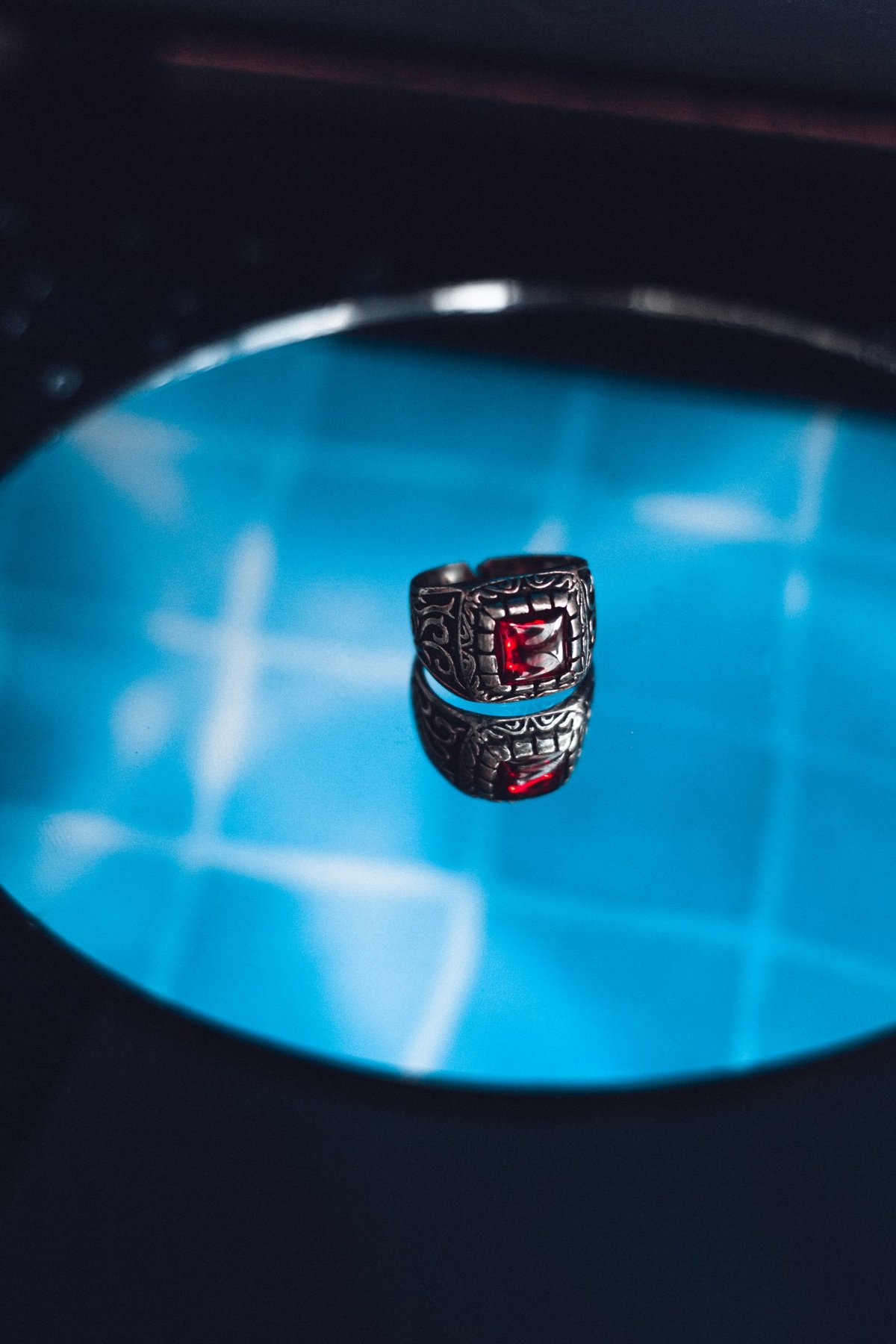
A polished ring can look almost black despite bright illumination or lose its shape in a white patch. Its surface reflects bright and dark parts of the surroundings. Jewellery photography therefore begins by shaping those reflected surfaces. Small changes to a white card, diffusion panel or camera position can matter more than a large change in lamp power.
Gradients describe shape
A large bright surface can create a soft gradient across a curve. A narrow dark card beside it supplies a clear boundary. If everything reflects uniformly white, metal looks flat; if it reflects only a dark room, it looks dull. Seek a combination that makes curvature, edges and material understandable.
Move one card at a time and inspect the change at magnification. A small rotation of the ring can shift the reflection completely. Mark the starting position so useful variations can be compared. Avoid an unnecessarily complicated environment full of bright objects that appear as uncontrolled patches in the metal.
Assess stones and metal separately
A gemstone may benefit from small directional highlights while its metal setting needs softer gradients. Completely diffuse light does not automatically describe every material convincingly. Check whether facets remain distinguishable and bright points do not become broad featureless patches. Sparkle should complement shape rather than overwhelm the photograph.
Keep white balance and surroundings reasonably neutral when describing material colour. Coloured clothes or walls can reflect in jewellery. A polarizer does not remove metallic reflections in the same way as some reflections on glass or water. Rely first on controlled surfaces and angles.
Inspect the close-up carefully
Dust and fingerprints become conspicuous in tight framing. Clean the object only with a method suitable for its material and handle delicate parts as little as possible. Check the focus plane on the setting and most important stone. If a focus stack is needed, inspect every overlap around prongs and shiny edges afterwards. An apparently smooth merge can create small false shapes there.