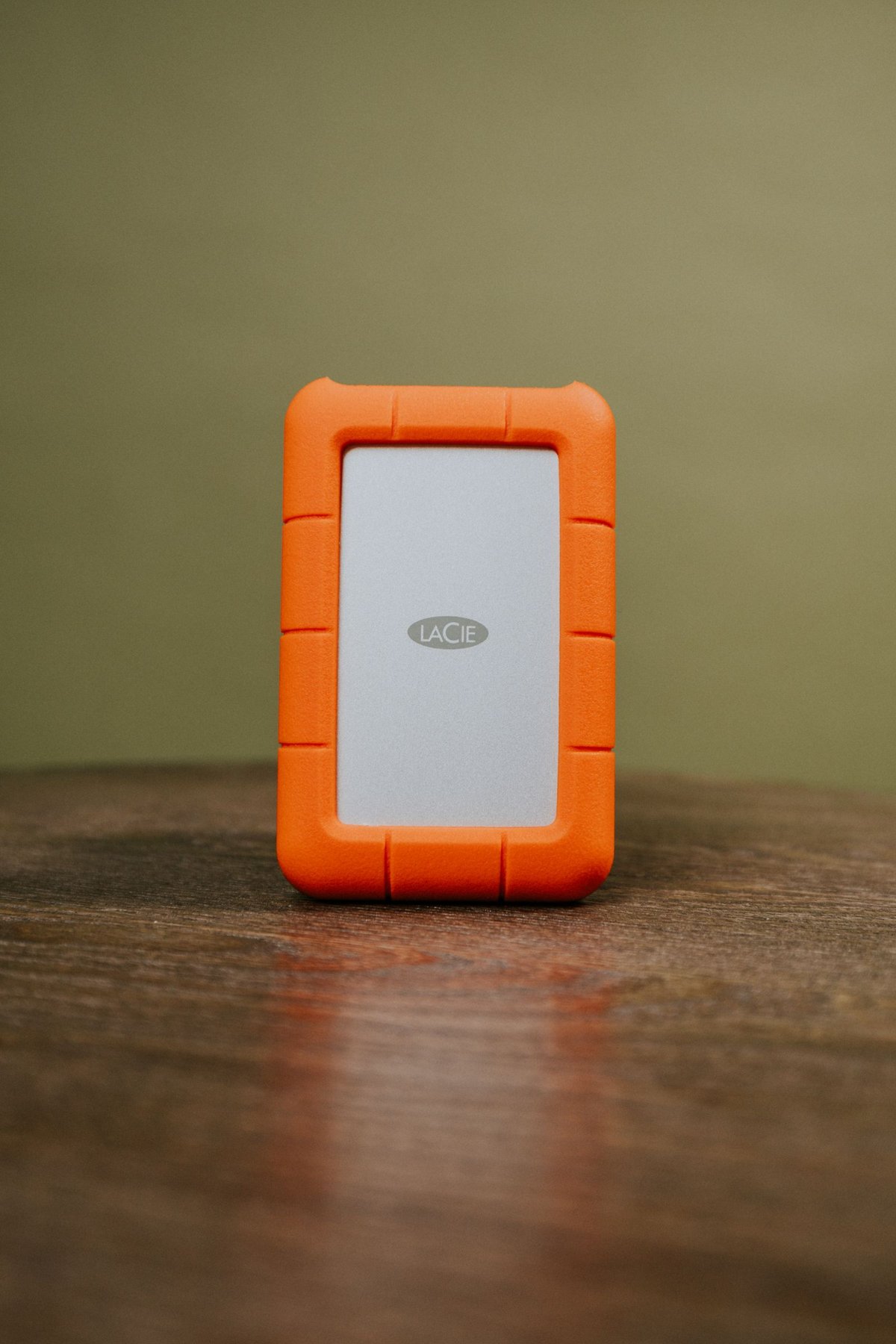
An external drive can be a working disk, transport medium or backup. Those roles have different requirements. Someone editing large image sets every day immediately notices a slow connection. A backup drive connected less often primarily needs to remain readable and fit reliably into the backup process. One device can perform several jobs, but that does not make a single copy safer.
Start with the collection you actually have
Measure the whole archive, including RAW files, catalogs and important outputs. Allow for growth suggested by your previous shooting habits. Capacity that barely covers the current collection leaves little room for versioned backups or new projects.
Do not confuse photo count with storage requirement. A thousand small phone JPEGs and a thousand high-resolution RAW files can represent very different amounts of data. The bytes used by the archive folder tell you more than a generic manufacturer estimate of how many photographs a drive can hold.
Consider the connection and file system
A USB-C connector alone does not establish the speed of the whole connection. The drive, enclosure, cable and computer port jointly determine transfer performance. Test a representative folder containing many photographs rather than transferring only one large file.
The file system must suit the computers and applications you intend to use. Before setup, check whether both operating systems can read and write it and whether the photo application imposes special requirements on externally stored libraries. Formatting removes existing data, so it belongs at the beginning with an empty or fully backed-up device.
If an editing catalog will live on external storage, also establish whether the application supports that arrangement. A drive that stores ordinary image files successfully is not automatically suitable for every managed library.
Give each drive an identifiable role
Label the drive with its role and a unique identifier. Two physically identical drives are otherwise easy to confuse during the next backup run. Keep a separate note of the collection stored on each and when it was last checked.
Before disconnecting, wait for copying and backup operations to finish and use the operating system’s eject function. An inactive activity light alone does not replace that confirmation. Transport drives so that their connectors and enclosures are not under strain.
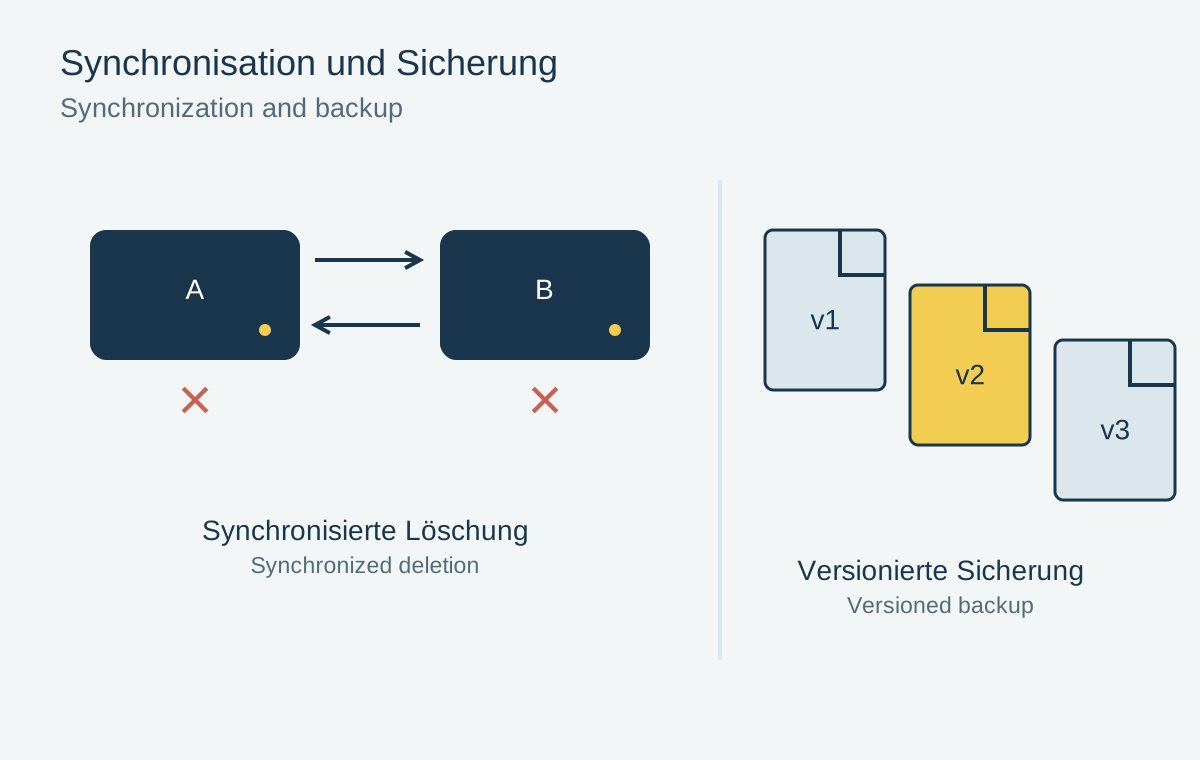
Even a new drive can fail. Maintain another independent copy and occasionally test restoration of individual photographs. The suitable device is one whose capacity, connection and everyday handling fit your process; an impressive speed specification does not replace that fit.