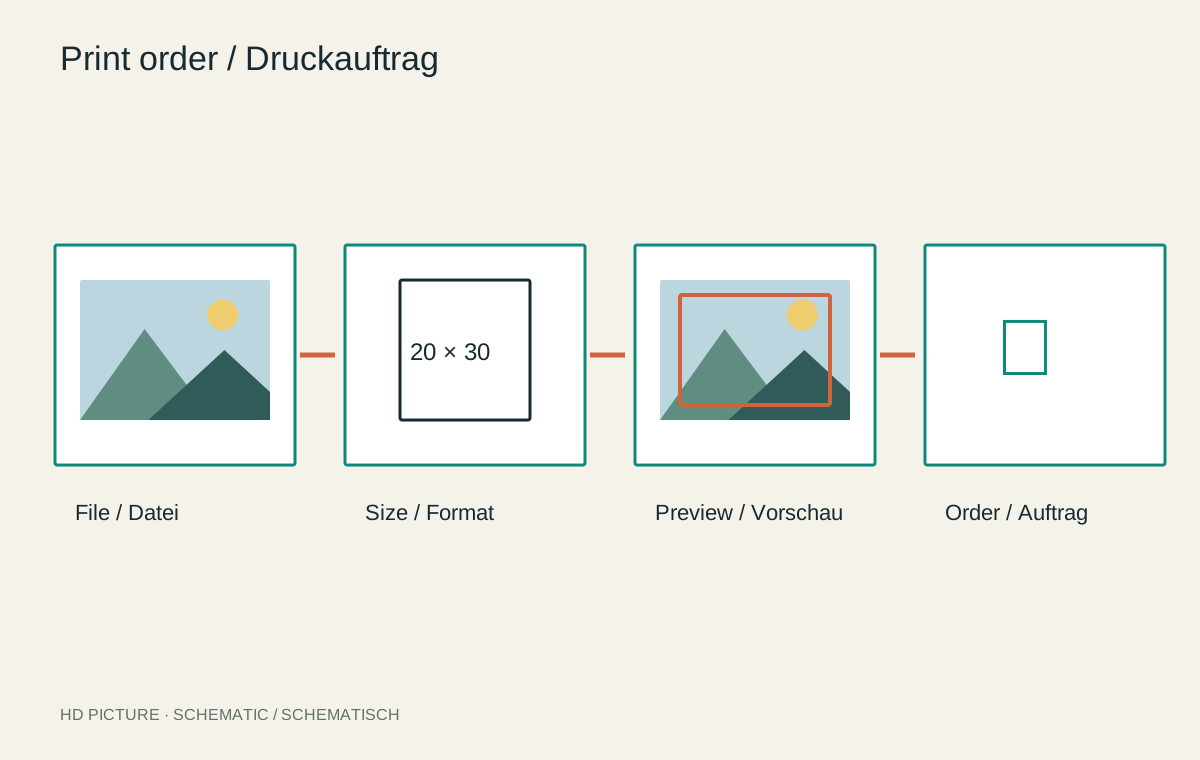
An order can be technically accepted while containing the wrong size, an unsuitable crop or unwanted automatic correction. The final check should therefore involve more than glancing at the main picture. Review the file, design and order details separately. This reveals errors easily missed in a small overall preview.
Identify the correct file
Open the version actually uploaded where the system allows, and compare it with your final export. Similar filenames can easily lead to an older edit. Check orientation, colour profile and pixel dimensions after the final crop.
A resolution warning often concerns available pixels at the selected size. It does not reliably establish whether the subject is focused or free of motion blur. Conversely, a small web preview may look soft even when the system retains the high-resolution source. Distinguish preview quality from the source file.
Inspect every edge and special area
Check heads, hands, lettering and signatures near edges. Canvas also requires inspection of wrapped sides, books of gutter and cover, and calendars of binding and date fields. One generic preview may not adequately show these different areas.
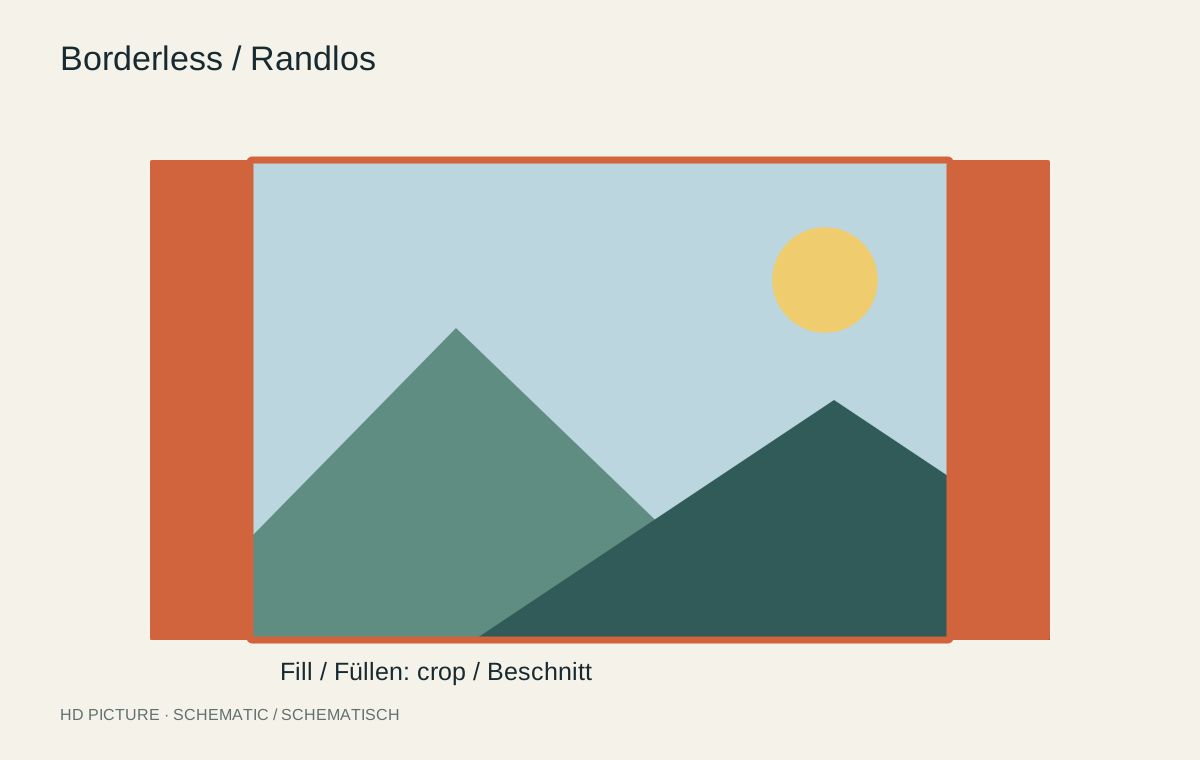
Establish whether a border lies inside a fixed format or increases external dimensions. If a frame already exists, compare its actual measurements. Disable unwanted automatic optimization in accordance with your prepared workflow, and record the selected setting.
Review product and quantity independently
Read size, paper, finish, framing option, quantity and any page count as a separate list. Similar-looking products can have different construction. Check the delivery address and the production and shipping information actually given for a fixed occasion.
For multiple images, inspect every line for duplicate or missing files. An accidentally repeated photograph can disappear unnoticed in a long list. Keep the confirmation and final submitted files together without replacing the masters.
Reconcile a mixed order in practice
Suppose a small wall series needs three prints on the same paper: two landscapes and one portrait. Before uploading, make a short mapping of filename, desired image dimensions and quantity. Compare it with every cart entry. Changing the third image’s size should not silently reset the previously selected finish.
Then check external dimensions including borders. Matching outer frames can still contain different image areas. Decide whether equal border widths, equal picture heights or equal external dimensions are the goal. Different aspect ratios do not always permit all these conditions simultaneously.
Do not upload a replacement file immediately before approval without rechecking its crop. Some systems preserve old placement while others reset it. A small image correction can consequently trigger a larger unintended product change. If the order is amended later, retain the updated confirmation as well as the original.
Plan a test for important work
A proof or single book can establish material appearance and actual readability before producing a larger quantity. Verify that the provider offers such an option and that you selected it. An ordinary order does not automatically include an approval round.
After delivery, compare the product under suitable light with the confirmed specifications. Document visible discrepancies clearly and contact the service through its stated channel if necessary. A carefully retained order makes both clarification and later reordering easier.