RAW and JPEG are not two sharpness levels of the same file. A JPEG contains a largely finished interpretation of the photograph. A RAW file preserves more capture-related data and settings from which software develops a visible image. Both can be useful. The question is whether you need an immediately usable result or want more control over colour, tones and processing later.
What is already established in a JPEG
For a JPEG, the camera applies white balance, a tone curve, sharpening and noise reduction among other processing. Lossy compression is added at the selected quality level. A carefully configured camera can produce directly usable images this way. That helps when you need to send a selection quickly or work without an additional development stage.
Later changes remain possible, but large adjustments can expose limits. A substantial white-balance shift or extreme shadow brightening can affect gradation and colour. Repeated opening and saving with JPEG compression can add losses. Keep the original file and export edits as new versions rather than continually overwriting it.
What freedom RAW provides
RAW leaves more room to interpret captured data. White balance and picture style can be chosen differently during development, with a different starting point from an already finished JPEG. Depending on camera and capture, highlights and shadows may also allow more nuanced adjustments. This is particularly useful in difficult light or for a series whose colours need to match later.
RAW is not insurance against capture errors, however. Shaken outlines, missed focus and fully saturated areas do not automatically become correct again. A raw file also contains limited information. Continue to expose and focus carefully. The extra latitude supports refinement rather than replacing inspection at the shooting location.
Why the preview may look different
Many RAW files contain an embedded JPEG preview. A viewer may show that first and then load its own development. Colour and contrast can appear to change suddenly. This does not necessarily indicate a damaged file. Different applications interpret raw data with different profiles and do not reproduce every in-camera setting identically.
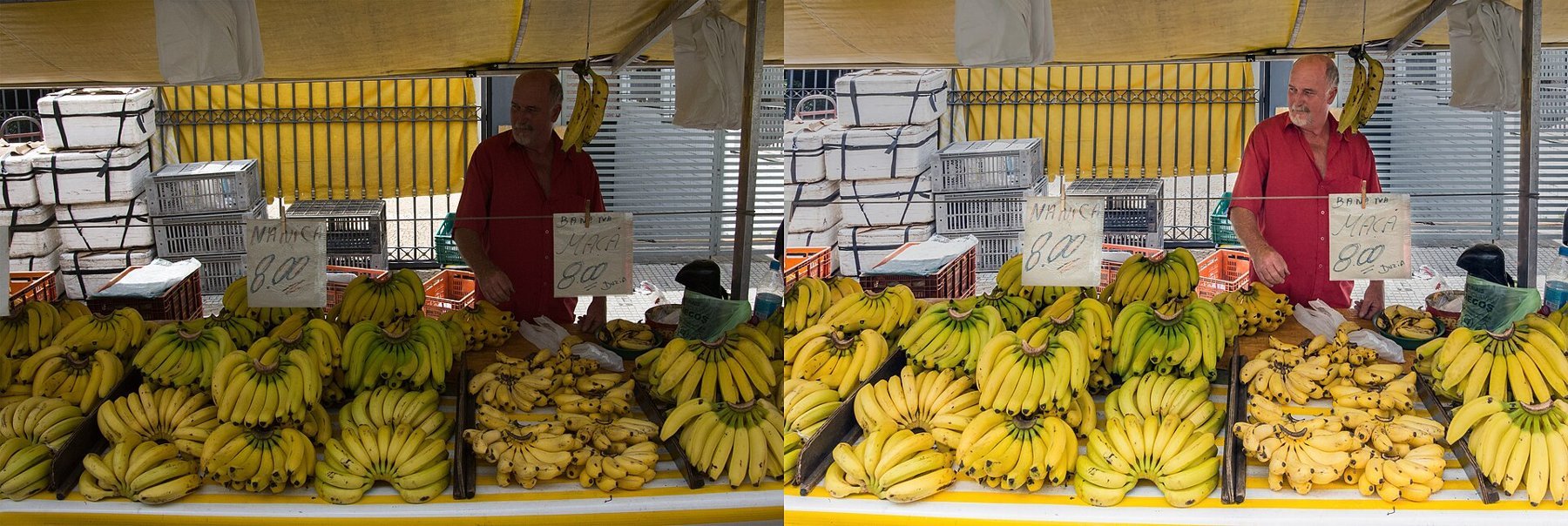
Do not compare formats solely through default settings in two different programs. Develop the RAW file deliberately and assess both results at the same size. An initially flatter image may retain more editing latitude while the JPEG has already received strong sharpening and contrast. Apparent crispness alone is not a reliable measure of retained information.
A workflow using both formats
RAW+JPEG saves both versions and can be useful when starting out. You receive an immediately usable image plus a file for later development. The cost is more storage and potentially a shorter uninterrupted burst. Test your camera with the actual memory card before a longer action sequence begins.
Keep corresponding files recognizable through the same base name. Back up both before clearing the card and check that your software supports the camera model. For sharing, usually export a widely readable format such as JPEG at a suitable size. The RAW file remains your starting material; it is not automatically the right format for a print service or email.
From memory card to finished output
RAW plus JPEG usually creates two files for each exposure. Preserve their association during import and avoid renaming them independently with different rules. Otherwise, a JPEG selection may become difficult to match to its RAW file. Also check whether your application displays the formats separately or groups them. An apparently missing photograph may simply be hidden within the combined display.
You can use JPEGs for quick selection as long as you remember that contrast, sharpening and noise reduction have already been applied. A flatter RAW preview is not automatically worse. Open troublesome bright or dark areas in the RAW converter before rejecting a photograph permanently. Do not expect it to rescue motion blur, completely missing information or missed focus.
Save processed output separately from the original. A smaller JPEG for a website is an end product with a different purpose from the source file. If you later need a larger print or another colour treatment, you should not have to start from that already reduced JPEG. Retain editing settings where appropriate so that the route to the result remains traceable.
Test the process with a few photographs before recording a major trip entirely in a new format. Opening, selecting, editing, exporting and backing up must work together. A format advantage is of little use if the required software cannot support the files or storage during the trip is insufficient.