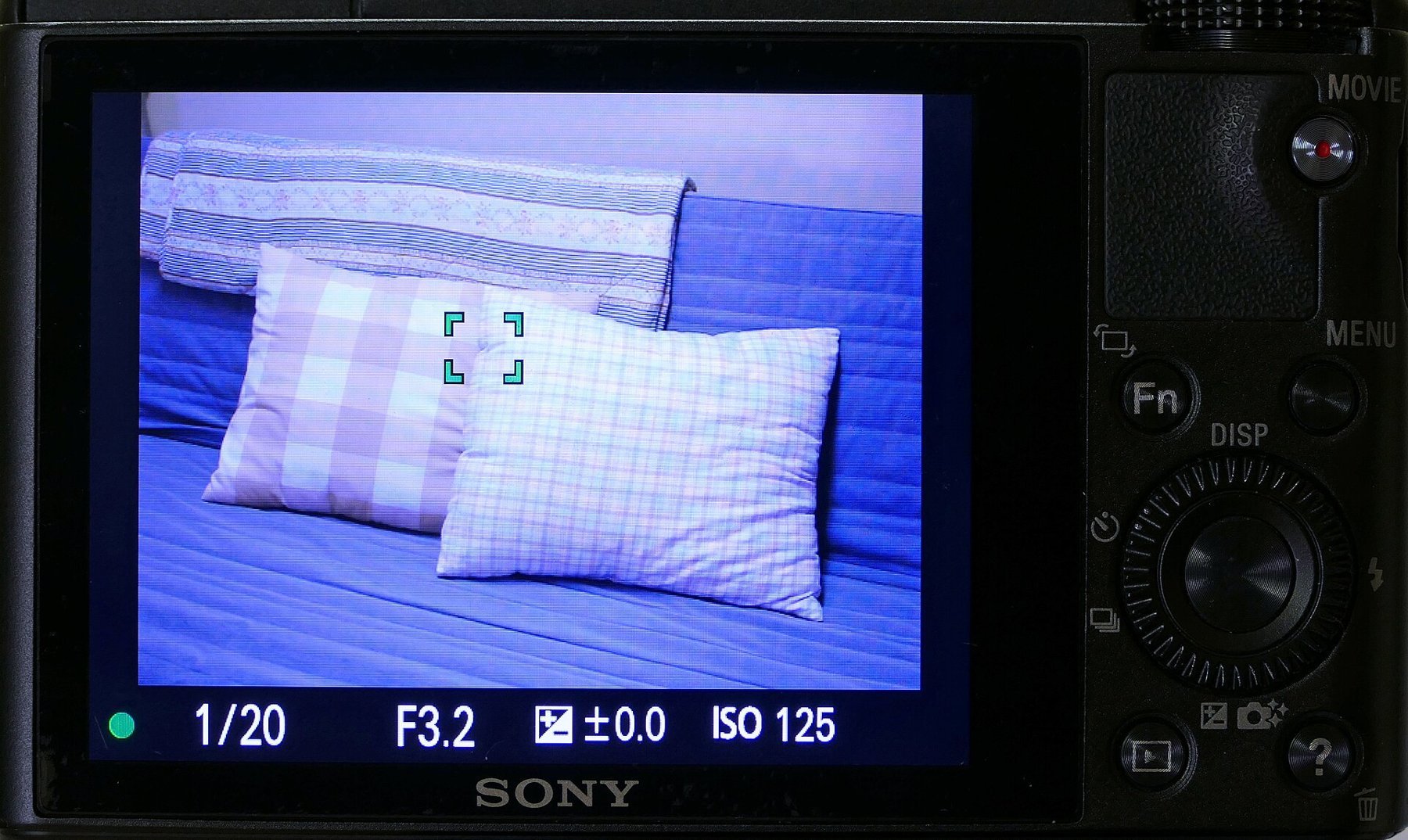
An autofocus area is a search instruction. It tells the camera which part of the frame matters for measuring distance. A large automatically selected area is convenient while the camera favours the same subject as you. For a person behind branches, a product against patterned fabric or several faces, a smaller deliberately positioned area can lead more reliably to the intended plane.
Contrast at the right distance
A point placed over a completely smooth surface has little recognizable structure to work with. Look for an edge or detail at the same distance, such as the edge of a label rather than the plain centre of the package. A high-contrast background feature does not help when the product needs to be sharp. Focus may confirm quickly, but at the wrong plane.
Eyes are an obvious reference for a portrait. If the camera detects eyes, check which one it has selected. With a turned head and shallow depth of field, both may not be equally sharp. Decide whether the nearer eye is sufficient or whether you need a smaller aperture or a different pose to include both.
Match area size to movement
A very small point is precise but must remain on the subject. For a restless animal, it may repeatedly slip onto the background. A somewhat larger area or suitable tracking reduces that handling burden. Conversely, a large area may favour a nearer branch when photographing a bird among twigs. The best area is therefore not automatically the smallest or largest.
Move the point to the subject’s intended position in the final composition where possible. Focusing centrally and then recomposing substantially can miss the intended plane at close distances and wide apertures. If you do recompose, maintain distance and inspect the result. A directly positioned focus area removes that extra uncertainty.
Check the actual result
After an important shot, magnify the chosen detail. A displayed focus box is useful information, but it cannot replace inspecting the photograph. Compare several frames in a sequence: if focus consistently lands on the same wrong object, change area selection. If it jumps unpredictably forwards and backwards, also examine tracking, light and the steadiness of your camera handling.